Menu
The best plumbing software helps contractors manage estimates, scheduling, invoices, payments, customer communication, and job workflows from one place. For plumbing contractors that want a modern system built around the full job process, Clientility is a strong option. FieldEdge, Jobber, Housecall Pro, and ServiceTitan are also worth comparing depending on your business size and workflow needs.

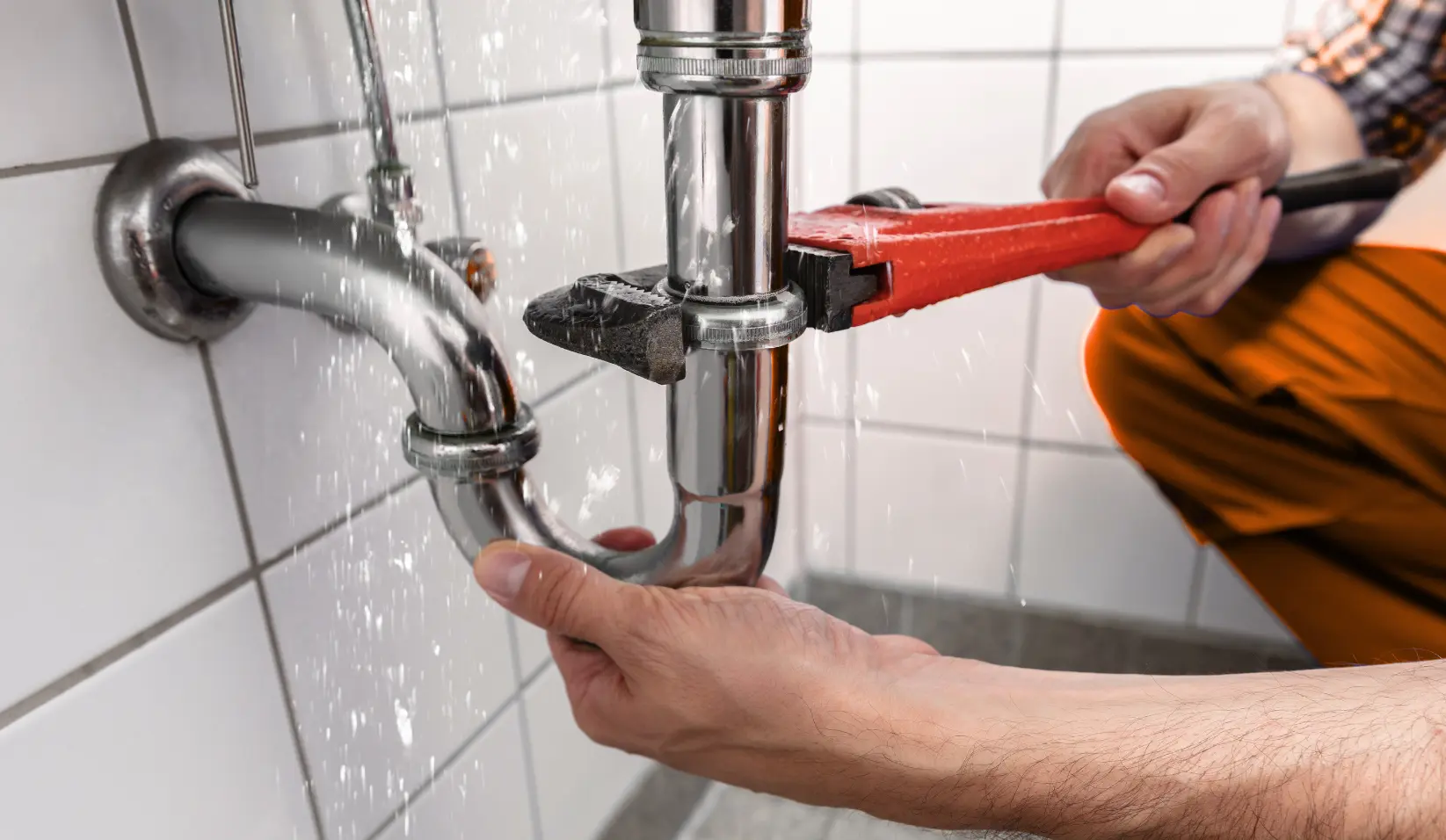
Running a plumbing business is not just about completing service calls. Plumbers also need to manage customer requests, prepare estimates, schedule jobs, send invoices, collect payments, follow up with customers, and keep track of every job from start to finish.
That is where plumbing software can help.
Plumbing software gives contractors a more organized way to manage daily operations. Instead of using separate tools for estimates, calendars, invoices, payments, and customer communication, the right platform can bring everything into one system.
In this guide, we’ll compare 5 plumbing software tools for contractors in 2026:
Plumbing software is a business management tool that helps plumbing contractors manage jobs, customers, estimates, scheduling, invoices, payments, and communication.
For smaller plumbing businesses, this may mean replacing spreadsheets, paper notes, and disconnected apps. For growing plumbing companies, it may mean improving technician scheduling, customer follow-ups, payment collection, and job tracking.
The best plumbing software should help contractors stay organized, reduce manual admin work, and give customers a smoother experience from the first call to the final payment.
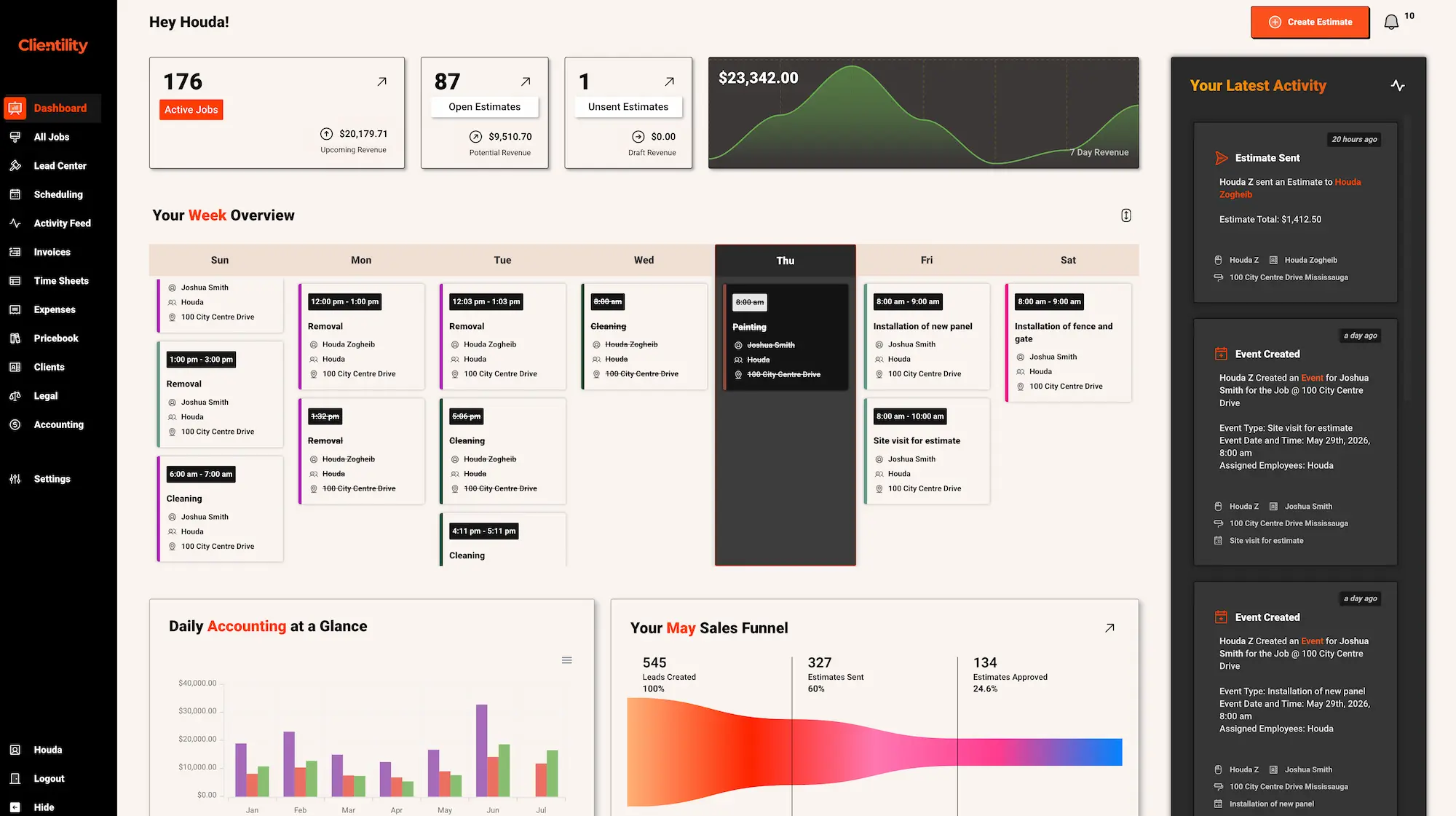
Clientility is a strong option for plumbing contractors that want to reduce back-and-forth with customers and keep jobs moving faster. Plumbing work often depends on clear approvals, deposits, scheduled visits, payment requests, and customer updates. Clientility helps organize those steps so contractors can spend less time chasing details.
For plumbing businesses, one useful part of Clientility is how it supports both service-style jobs and larger quoted projects. A plumber can send an estimate, let the customer review and approve it, collect payments, schedule the work, and keep the customer informed through the client portal. This gives customers a clearer experience while helping the business stay organized behind the scenes.
Clientility can also help plumbing contractors improve cash flow by making payments easier to request and track. Whether you collect a deposit, send an invoice after the job, or use milestone payments for larger plumbing projects, the platform helps keep payment steps connected to the job instead of managed separately.
Clientility is best for plumbing contractors who want an affordable, easy-to-use CRM for managing the full job workflow, with modern tools for estimates, scheduling, payments, customer communication, job updates, and more than basic job management.
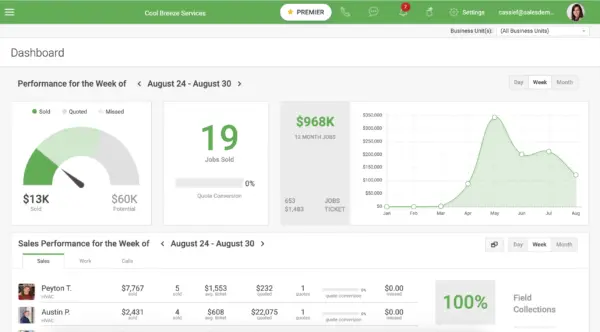
FieldEdge is field service software used by plumbing and other home service businesses. For plumbing companies, it can help with scheduling, dispatching, customer management, invoicing, payments, reporting, and accounting integrations.
It may be a good fit for plumbing businesses that have multiple technicians and need stronger dispatching and office-to-field coordination.
FieldEdge is best for plumbing companies that need dispatching, invoicing, reporting, and accounting tools for a larger field service operation.
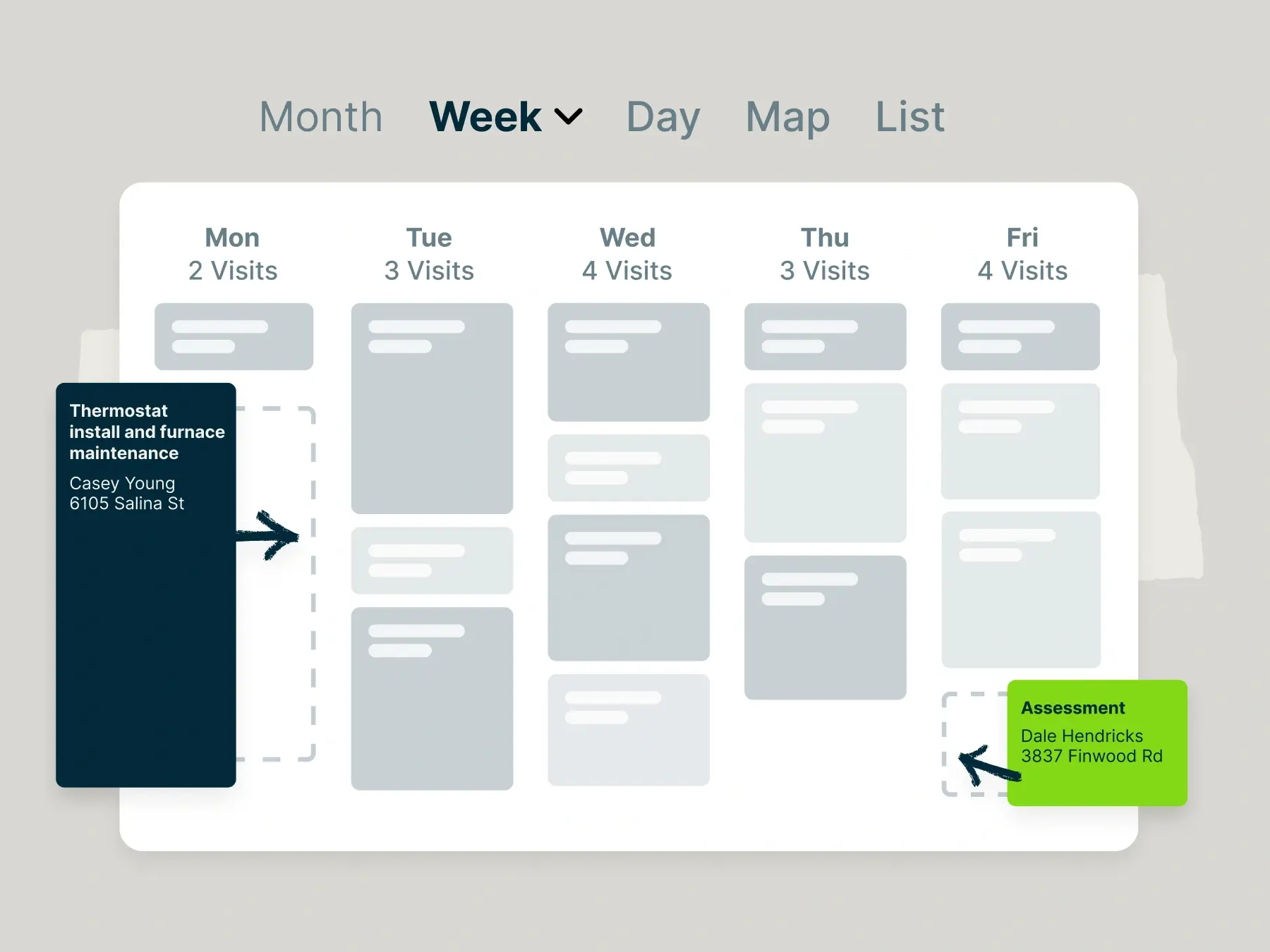
Jobber is a well-known field service platform for home service businesses, including plumbers. It helps plumbing contractors manage estimates, scheduling, invoicing, payments, customer communication, and online booking.
It is a common option for small to growing plumbing businesses that want general field service software with scheduling and invoicing tools.
Jobber is best for small to growing plumbing businesses that need scheduling, invoicing, payments, and customer communication tools.
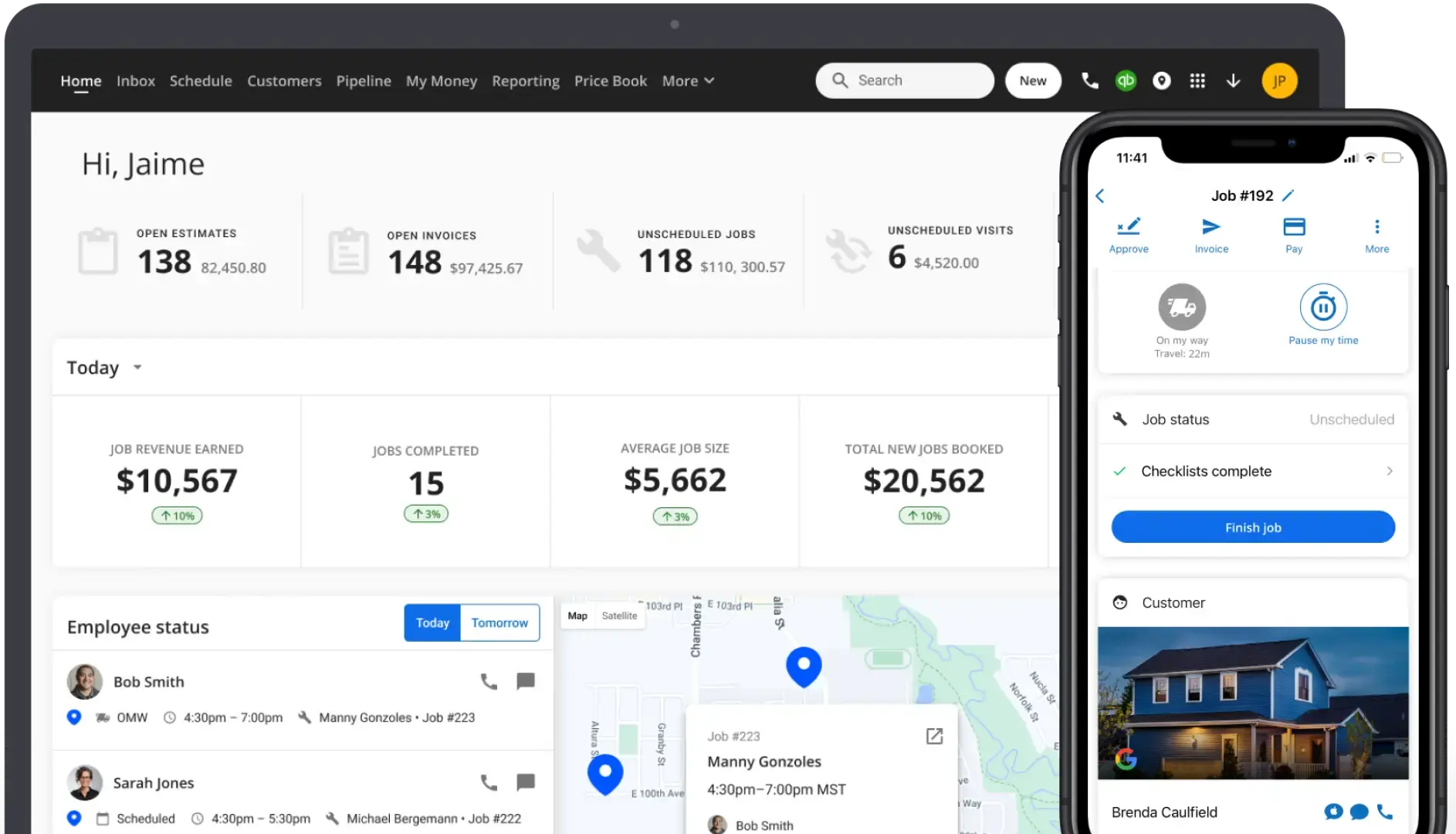
Housecall Pro is a home service platform with tools for scheduling, dispatching, estimates, invoicing, payments, customer management, booking, and automation.
For plumbing businesses, it can help manage service calls, customer details, invoices, and payments from one system.
Housecall Pro is best for plumbing and home service businesses that want a broad platform for scheduling, payments, booking, customer management, and automation.
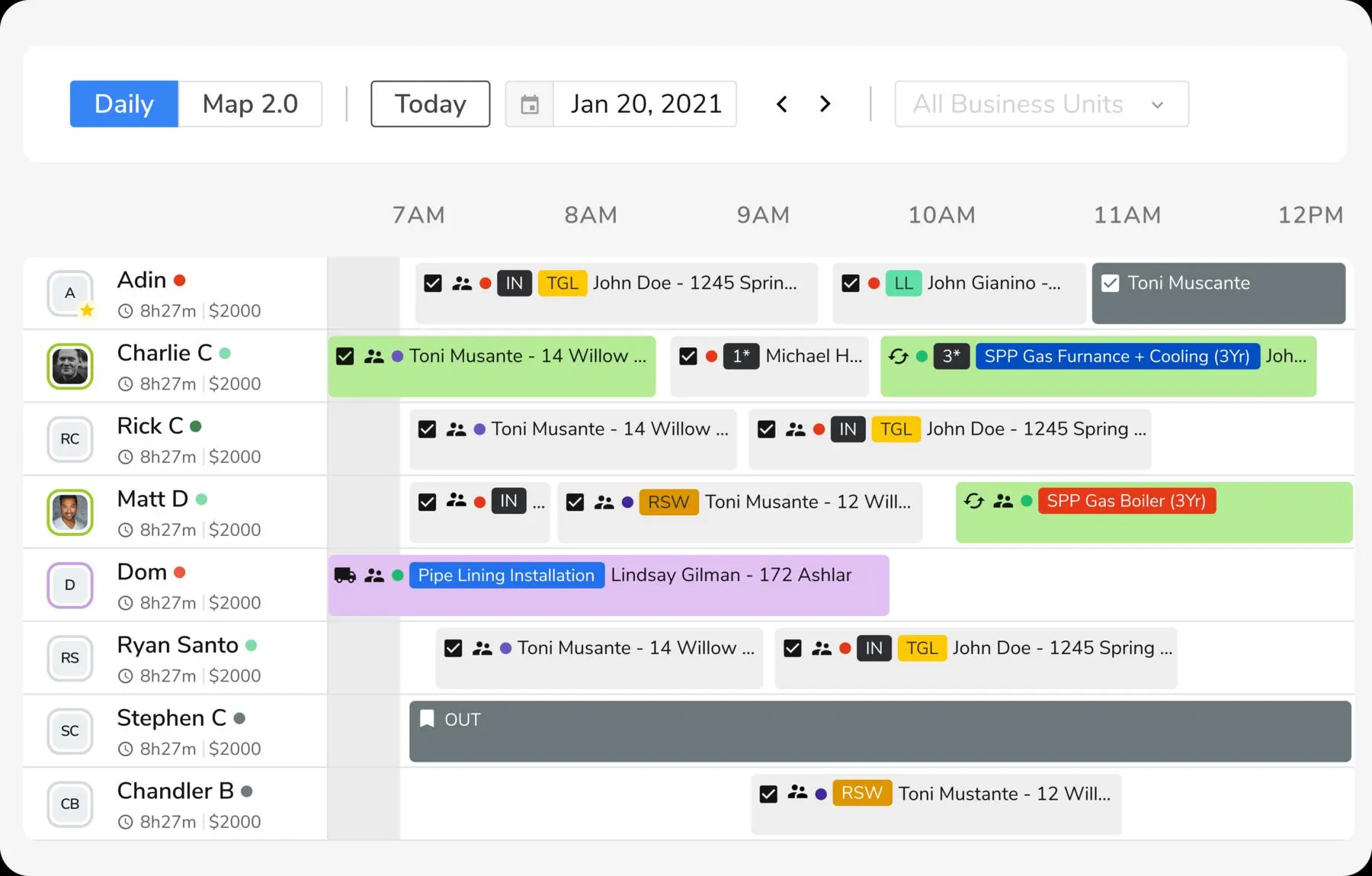
ServiceTitan is field service management software commonly used by larger plumbing, HVAC, electrical, and home service companies.
For plumbing companies, it offers advanced tools for dispatching, scheduling, call booking, estimates, invoices, payments, reporting, marketing, and operations management.
ServiceTitan is best for larger plumbing companies that need advanced dispatching, reporting, marketing, and operational tools.
The best plumbing software for contractors depends on how your business manages estimates, scheduling, payments, and customer communication.
For plumbing contractors that want a job-focused platform built around the full workflow, Clientility is a strong option because it helps connect estimates, site visits, scheduling, invoices, payments, customer updates, follow-ups, and job timelines in one place.
FieldEdge, Jobber, Housecall Pro, and ServiceTitan are also worth comparing, especially if your business needs heavier dispatching, broader home service tools, or more advanced reporting and operations features.