Menu
Discover 4 essential contractor apps that help service businesses streamline scheduling, pricing, accounting, and automation to run a more efficient business in 2026.

Popular Frameworks to Get Started:
How to Apply Frameworks in Your Day-to-Day Workflow
Running a successful service business requires more than just skilled work in the field. Contractors today rely on a variety of digital tools to manage scheduling, pricing, accounting, and customer communication. The right contractor apps can help streamline daily operations, reduce manual work, and improve overall efficiency.
To help you out, we’ve put together a list of 4 essential contractor apps that can help service professionals manage their businesses more efficiently in 2026.
There are many apps available on the market for contractors today, each promising to make running a service business easier. With so many options available, it can be difficult to determine which tools are actually worth using.
When selecting the contractor apps in this list, we focused on tools that solve the most important challenges service businesses face. Each app was chosen based on its usefulness for contractors, its ability to streamline workflows, and how well it fits into a modern service business tech stack.
We also reviewed feedback from contractors and looked through user reviews to better understand how these apps perform in real-world situations. Instead of listing similar tools, we selected apps that each serve a specific purpose, helping contractors manage operations, finances, project documentation, job site coordination, and overall workflow more efficiently.
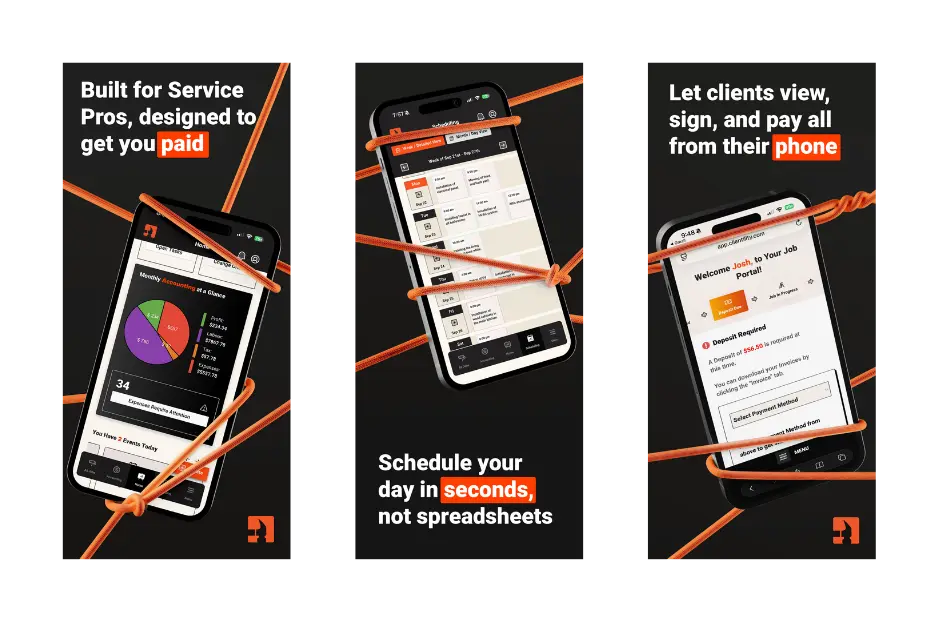
Clientility is a contractor-focused, all-in-one contractor app built to help service businesses manage their daily operations from a single platform. Instead of relying on multiple tools for estimating, scheduling, customer management, invoicing, task management, and photo documentation, contractors can keep everything organized in one place.
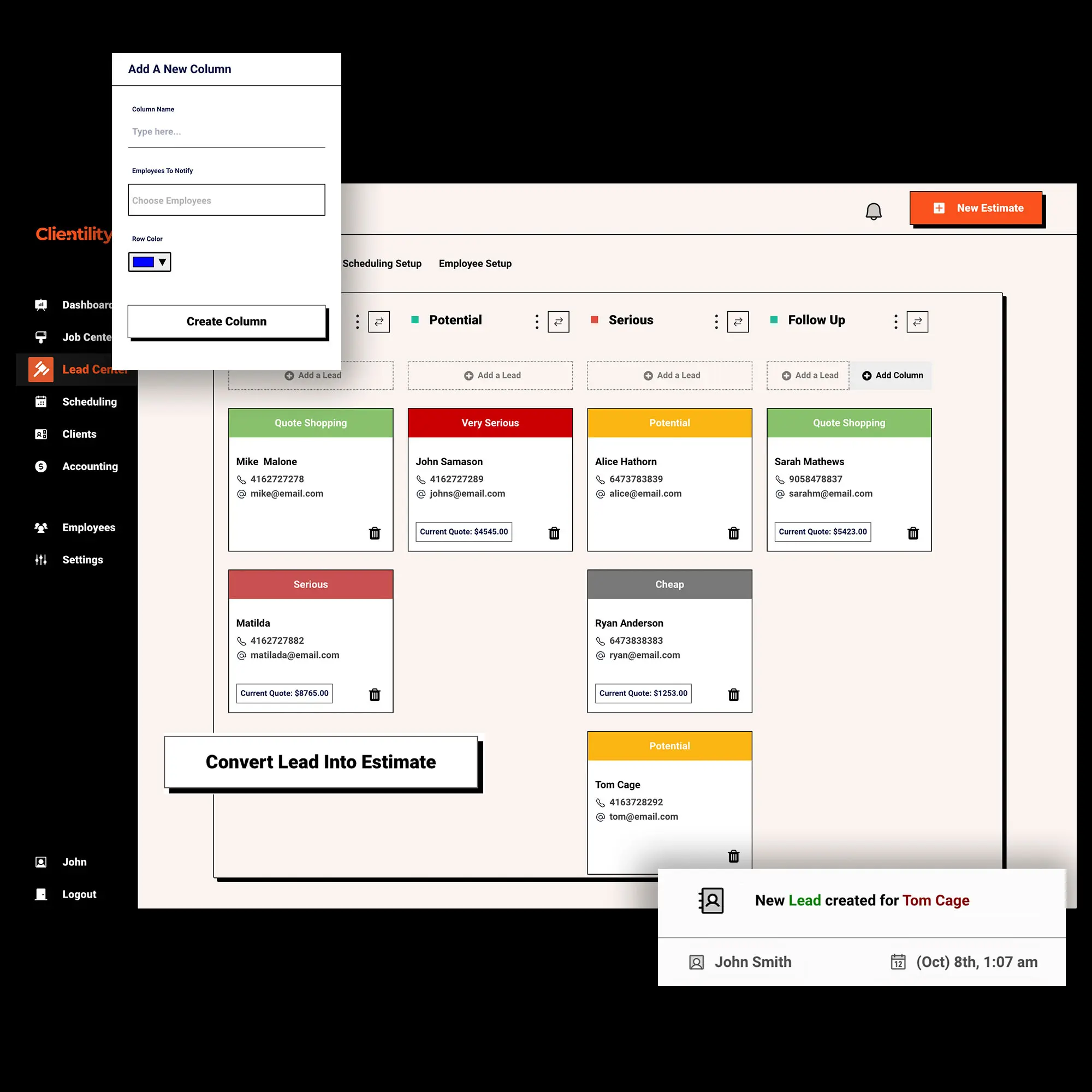
The platform makes it easy to create professional estimates in minutes with line items, discounts, images, and even optional items that give customers flexible pricing choices. Contractors can also track incoming leads through the lead center, helping them manage potential customers from the first inquiry all the way to booking the job.
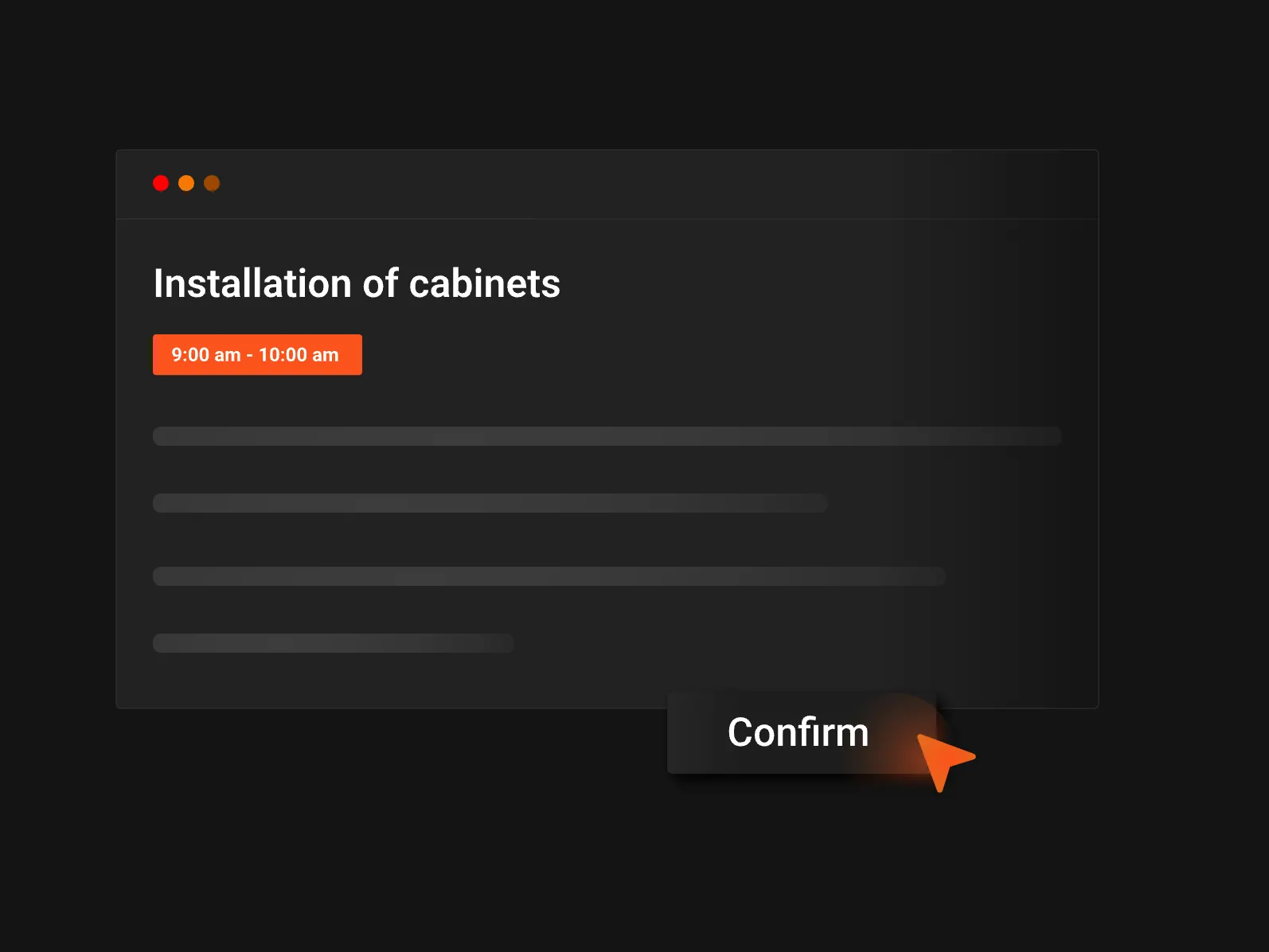
Clientility also simplifies scheduling by allowing the assignment of jobs and coordinating field staff quickly. Once a job is completed, businesses can automatically request customer reviews, helping satisfied customers leave feedback while strengthening the company’s Google reputation.
For contractors looking for a contractor app that acts as the operational hub of their business, Clientility provides a practical way to manage both office work and field operations without switching between multiple systems.
"With the conversion tools, we are able to convert leads we would normally forget about." - Ameen, Founder of Northern Kitchen Designs—

QuickBooks is one of the most widely used contractor apps for accounting, helping service businesses manage their finances more effectively. While other contractor apps help manage jobs and customers, businesses still need a reliable way to track income, expenses, and overall financial performance, and QuickBooks is designed to do exactly that.
With QuickBooks, contractors can track income and expenses, send invoices, organize receipts, and monitor their financial performance in one place.
QuickBooks also integrates with other contractor apps and business tools, including platforms like Clientility. Through this integration, important data such as clients, jobs, payments, line items, and expenses can sync automatically between the two systems. This helps contractors keep their operations and accounting connected without having to manually enter the same information in multiple places.
For service businesses looking for reliable contractor apps to manage bookkeeping and finances, QuickBooks remains one of the most trusted accounting solutions available.
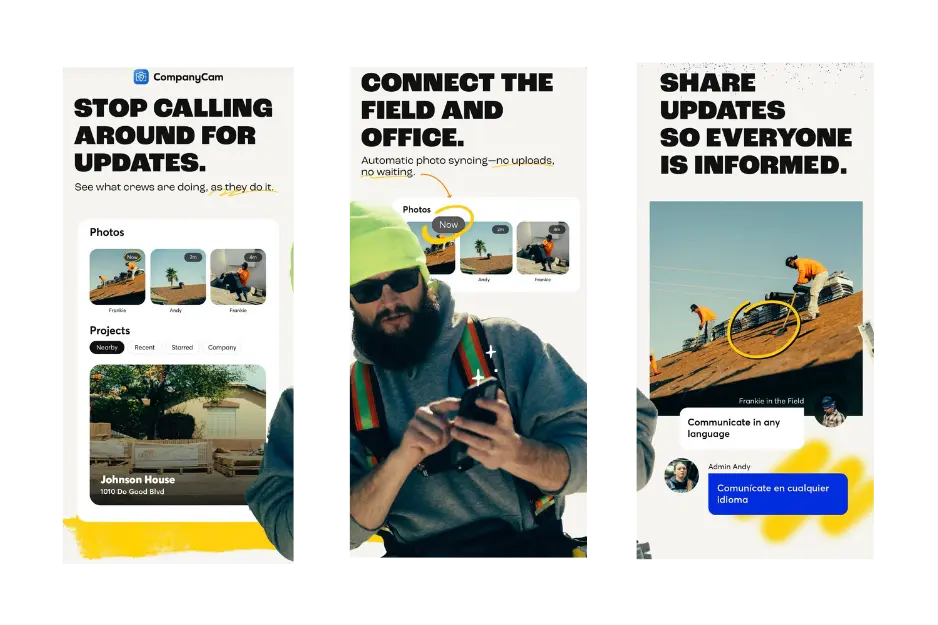
CompanyCam is a useful contractor app for documenting work in the field. Service businesses often need to capture before-and-after photos and keep a clear visual record of work completed.
One of the features that makes CompanyCam stand out is how it automatically organizes photos by GPS location. As contractors take pictures on-site, the app groups them by project location, making it easy to keep track of progress across multiple jobs without manually sorting photos.
While CompanyCam is a powerful tool for organizing job site photos and tracking project progress, some contractors may find that using a dedicated app just for photo documentation can be more than what they actually need.
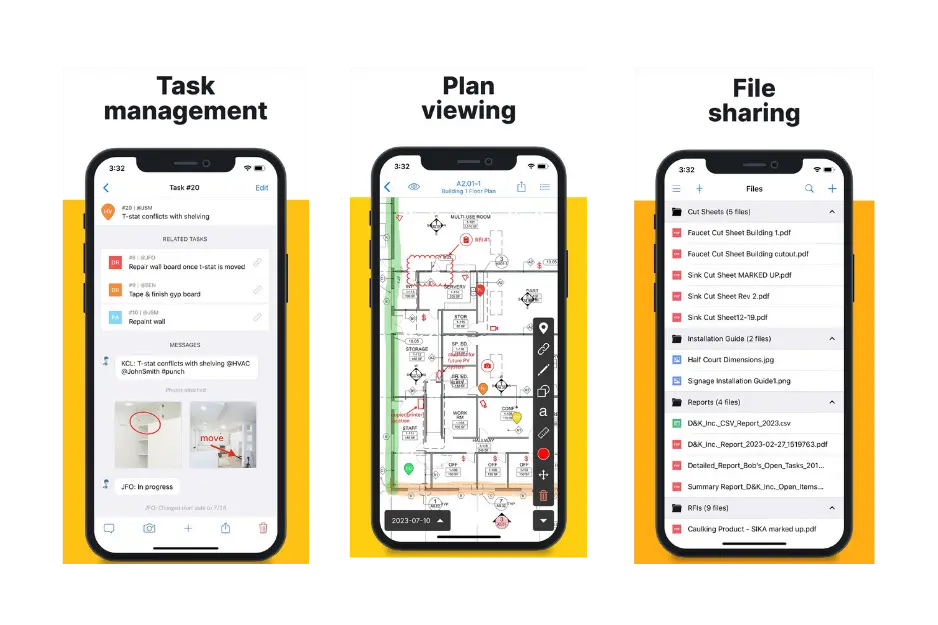
Fieldwire is one of the contractor apps designed to help teams manage tasks and stay organized on the job site. For service businesses working with multiple crew members or larger projects, keeping track of responsibilities and progress can quickly become difficult without a structured system.
Fieldwire focuses heavily on task management, allowing contractors to create tasks, assign them to team members, set priorities, and track progress directly from their phone or tablet. This helps teams stay aligned and ensures everyone knows what needs to be done and when.
With so many contractor apps available today, choosing the right tools for your business can feel overwhelming. The key is to focus on apps that solve specific problems in your daily workflow rather than trying to adopt too many tools at once.
For most service businesses, starting with a strong operational platform is the most important step. A contractor app like Clientility helps manage estimating, scheduling, customer management, invoicing, task management, and photo documentation, creating a solid foundation for running your business. From there, additional apps such as QuickBooks for accounting, CompanyCam for jobsite photos, and Fieldwire for task management can help fill specific gaps in your workflow.