Menu
Compare the best field service management software for small businesses in 2026. See how Clientility, Jobber, Housecall Pro, and Kickserv compare on features, pricing, scheduling, estimates, invoicing, payments, mobile access, and overall value.

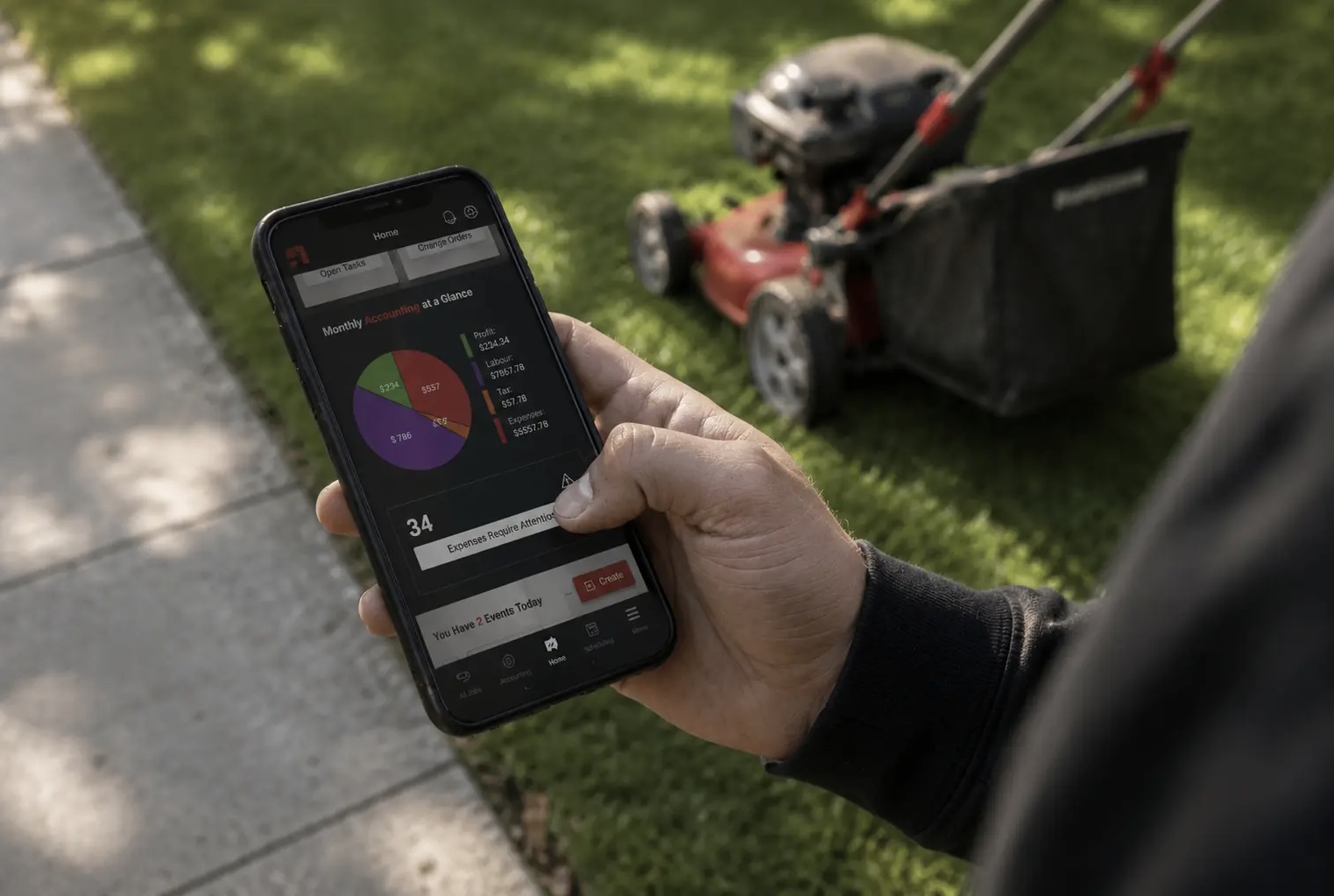
Running a field service business means managing much more than the work itself. You need to prepare estimates, schedule jobs, update customers, coordinate technicians, send invoices, collect payments, and understand whether each job is actually profitable.
When these tasks are spread across paper notes, spreadsheets, calendars, texts, and separate apps, small mistakes can quickly lead to missed appointments, slow follow-ups, and delayed payments.
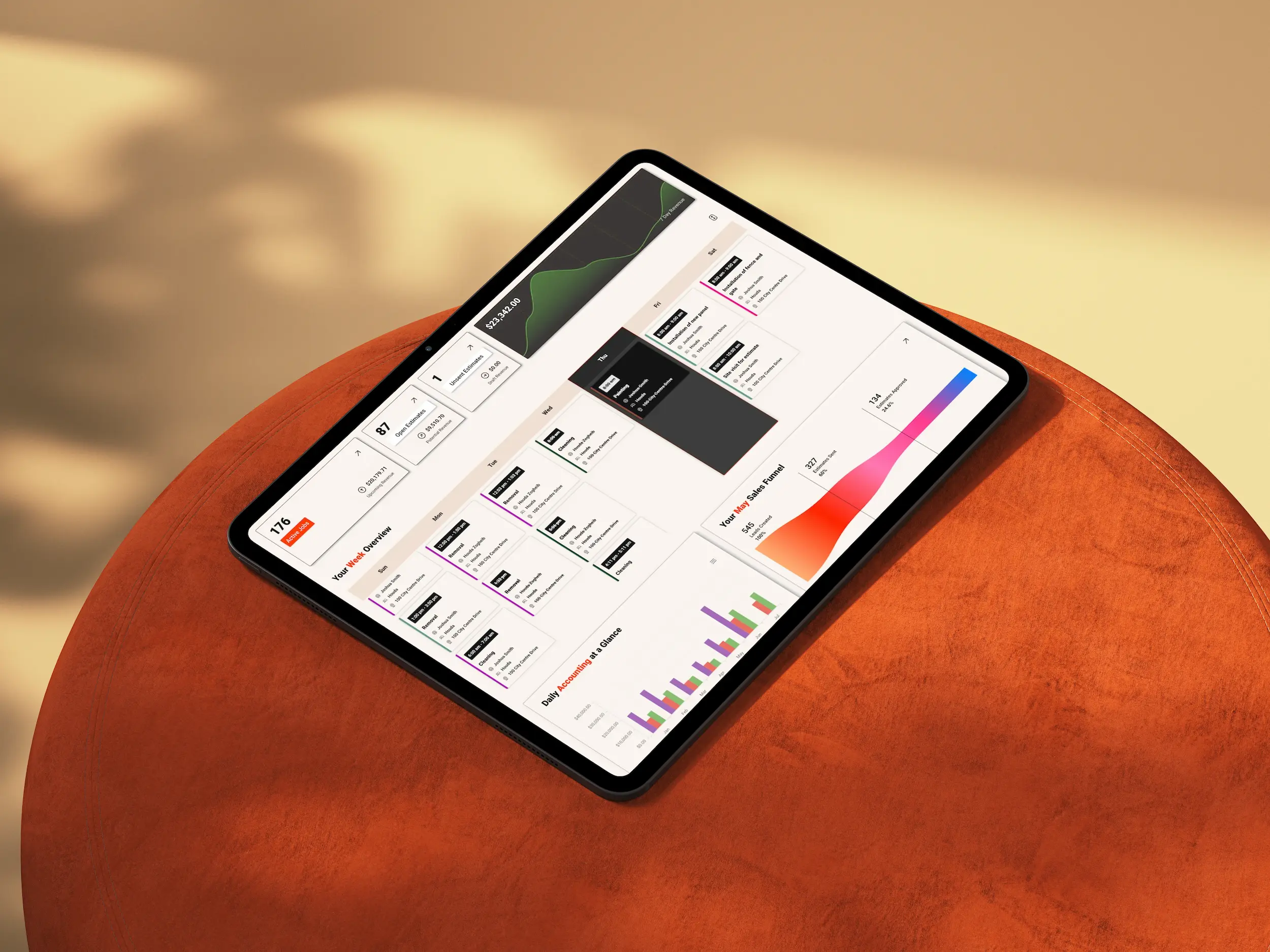
Field service software for small businesses brings these moving parts together. The right platform gives office staff and field technicians one reliable place to manage the entire customer journey, from the first inquiry to the final payment.
In this guide, we compare four of the best field service management software options for small businesses in 2026: Clientility, Jobber, Housecall Pro, and Kickserv.
No field service software platform is right for every business. A solo contractor, a small service team, and a growing multi-crew company may need different features.
For this comparison, we reviewed each platform based on the factors that matter most to small field service businesses:
The recommendations below are based on these criteria. The right choice for your business will ultimately depend on your trade, team size, budget, and daily workflow.
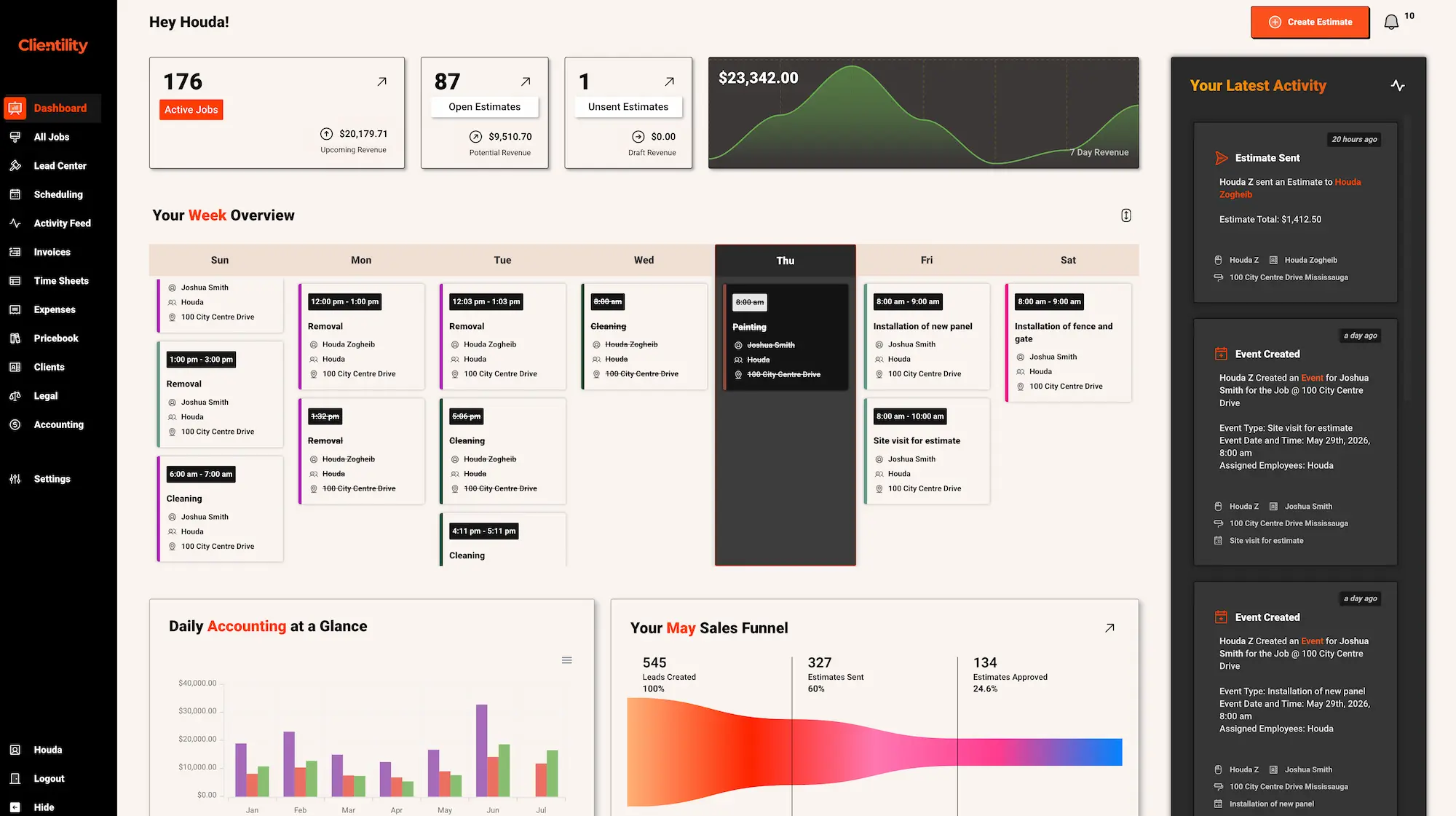
Clientility is our top choice for independent contractors and growing home service businesses that want to manage their complete workflow without adopting a complicated enterprise platform.
Clientility brings customer management, estimating, scheduling, job tracking, reminders, invoicing, and payments into one system, so contractors do not have to repeatedly enter information across separate apps.
The platform supports both service calls and larger projects. Contractors can schedule site visits, present good-better-best estimate options, manage change orders, collect milestone payments, and keep customers informed through a client portal.
Clientility’s Individual plan starts at $45 per month. A Team plan is also available for growing businesses. Contractors can try the platform free for 14 days without providing a credit card.
Clientility is best for plumbers, electricians, HVAC technicians, roofers, cleaners, landscapers, painters, renovators, and other service professionals who want affordable and easy-to-use field service management software.
It is particularly valuable for small businesses that want to manage the complete job-to-payment workflow while avoiding the cost and complexity of enterprise software.
To learn more about how the platform supports this workflow, explore Clientility’s field service management features.
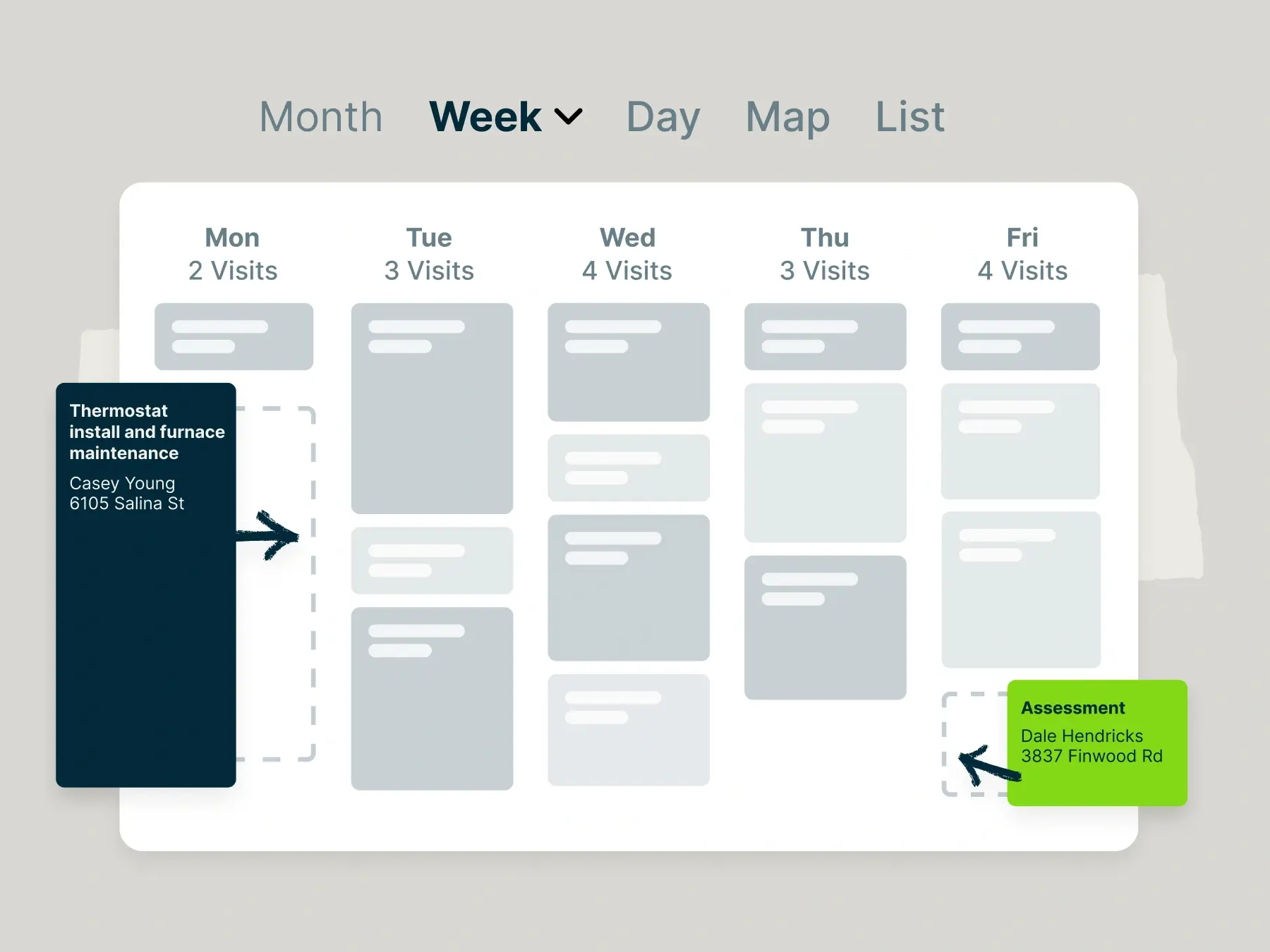
Jobber is field service management software that helps service businesses organize customers, quotes, schedules, jobs, invoices, and payments.
The platform provides a structured workflow for handling daily operations. Customers can request service, approve quotes, review appointment details, and pay invoices through an online portal. Office staff and field teams can also access job information and updates through the mobile app.
Jobber’s Core plan starts at $49 per month and includes its essential quoting, scheduling, invoicing, payment, and customer-management tools.
Businesses that need automated client reminders, automatic payment collection, job checklists, automated quote and invoice follow-ups, QuickBooks Online syncing, or time and expense tracking will need the Connect plan or a higher tier. A 14-day free trial is available.
Jobber is best for small and growing service businesses that want a familiar platform for managing standard field service workflows, including quoting, scheduling, invoicing, payments, and customer communication.
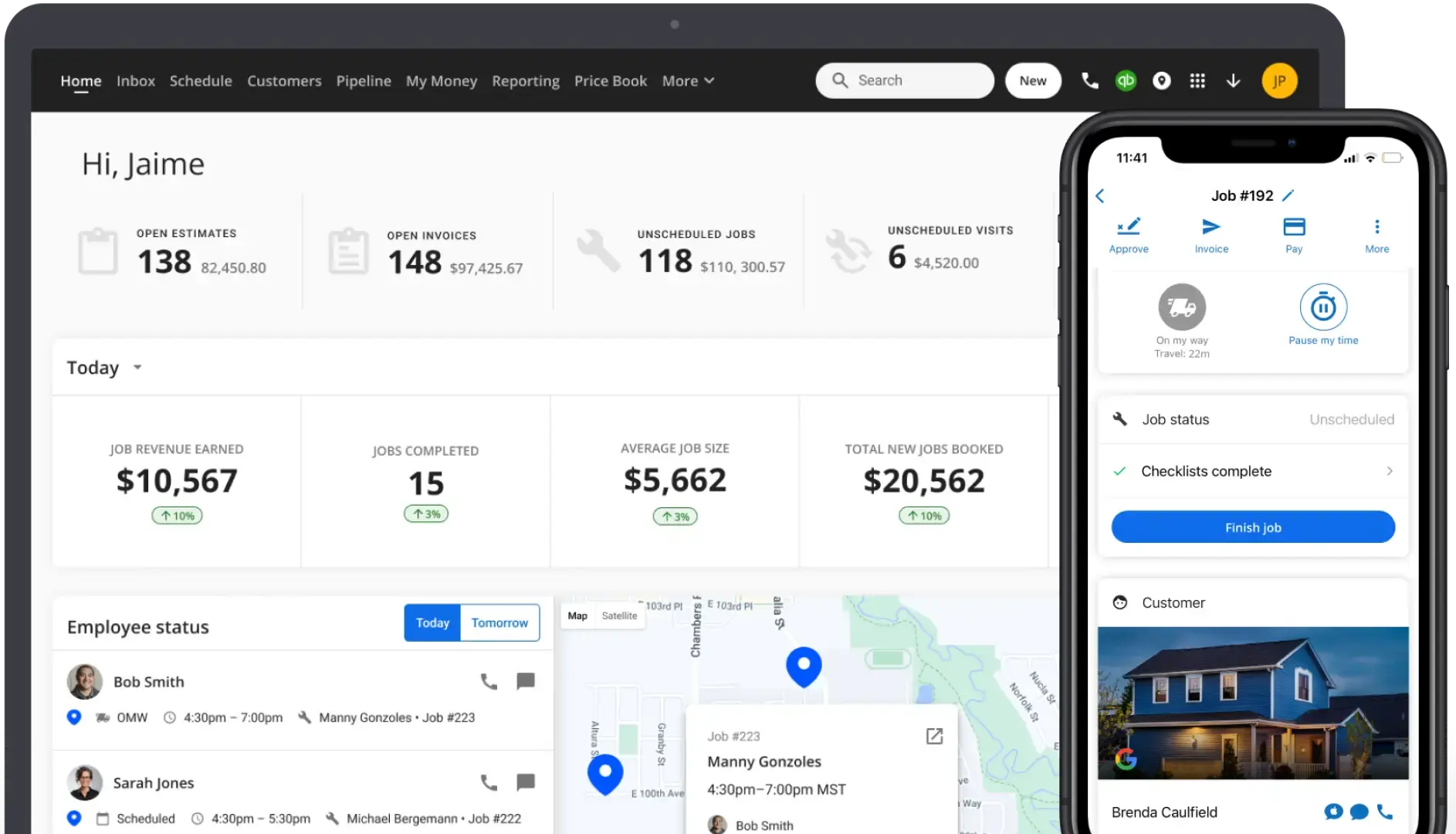
Housecall Pro is field service management software that helps home service businesses manage customers, estimates, schedules, technicians, invoices, and payments.
The platform provides a structured workflow for scheduling and dispatching service appointments. Customers can book services online, receive appointment notifications, approve estimates, and pay invoices. Office staff and field technicians can also access schedules, customer details, and job information through the mobile app.
Housecall Pro’s Basic plan starts at $79 per month and includes its essential scheduling, dispatching, estimating, invoicing, payment, and customer-management tools.
Businesses that need route-planning tools, flat-rate pricing, checklist automations, photo reports and annotations, employee GPS tracking, commission management, or QuickBooks Online syncing will need the Essentials plan or a higher tier. A 14-day free trial is available.
Housecall Pro is best for home service businesses that want strong scheduling and dispatching capabilities.
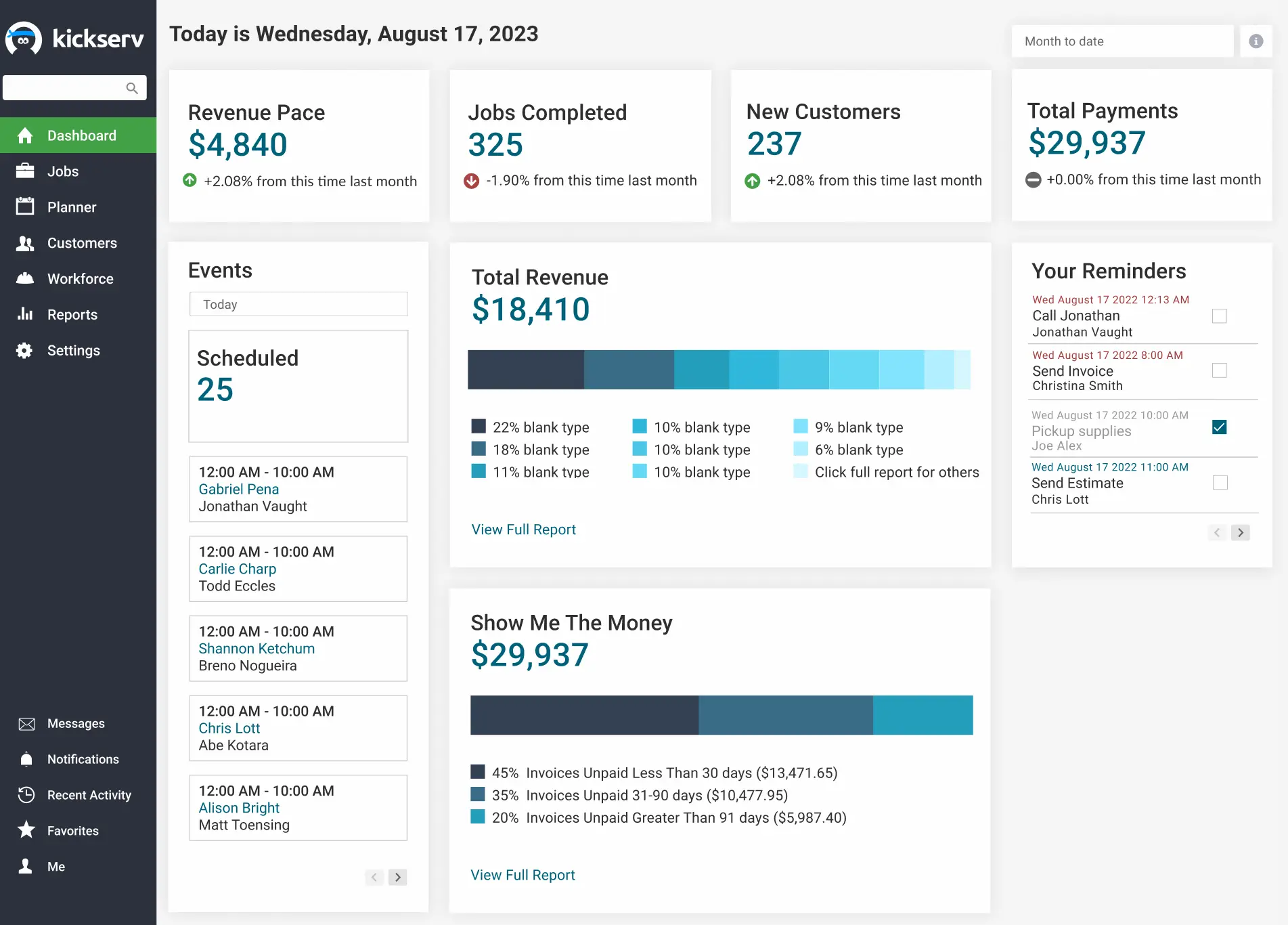
Kickserv is field service management software that helps service businesses manage customers, estimates, schedules, jobs, invoices, and payments.
The platform provides a centralized workflow for office staff and field technicians. Customers can approve estimates, receive reminders, view job information, and make payments through the Customer Center. Technicians can also access schedules and job details through the mobile app.
Kickserv’s Start plan begins at $75 per month. It includes automated reminders, time tracking, expense tracking, and QuickBooks Online integration.
Businesses that need dispatch mapping, GPS check-ins, custom fields, or custom reports will need the Run plan or a higher tier. A 30-day free trial is available.
Kickserv is best for small service teams that want standard field service management tools, automated customer reminders, time tracking, and QuickBooks Online integration in one platform.
The best field service management software should simplify your existing workflow without creating unnecessary complexity. Before selecting a platform, consider how your business currently manages estimates, scheduling, fieldwork, customer reminders, invoicing, and payments.
Important capabilities to evaluate include:
Use the available free trials to test each platform with a realistic job. Create an estimate, schedule the work, update the job from a mobile device, send an invoice, and record a payment. This will reveal which software best fits your daily workflow.