See what's new in Clientility
Expenses
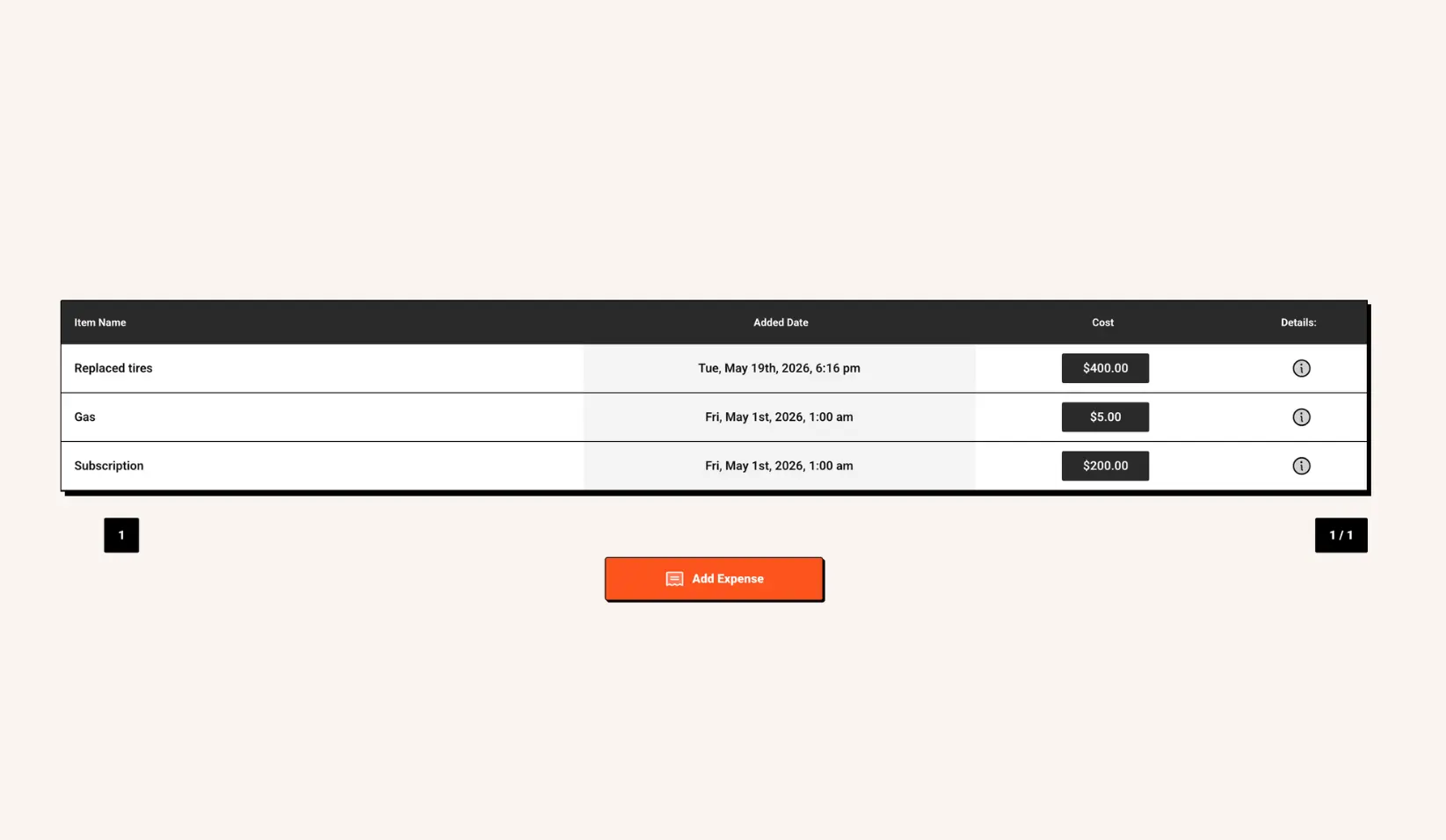
You can now add and manage expenses directly in Clientility, giving you a clearer view of your business costs.
Expenses can be added manually to your account, making it easier to track costs that are not tied to a specific job. You can also set expenses to recur every month, so regular payments are automatically included without extra follow-up.
You can also add expenses directly to a job. This lets you track project-related costs, categorize them for accurate accounting, and keep all expenses connected to the right work.

New UI update: collapse the side menu for a cleaner view
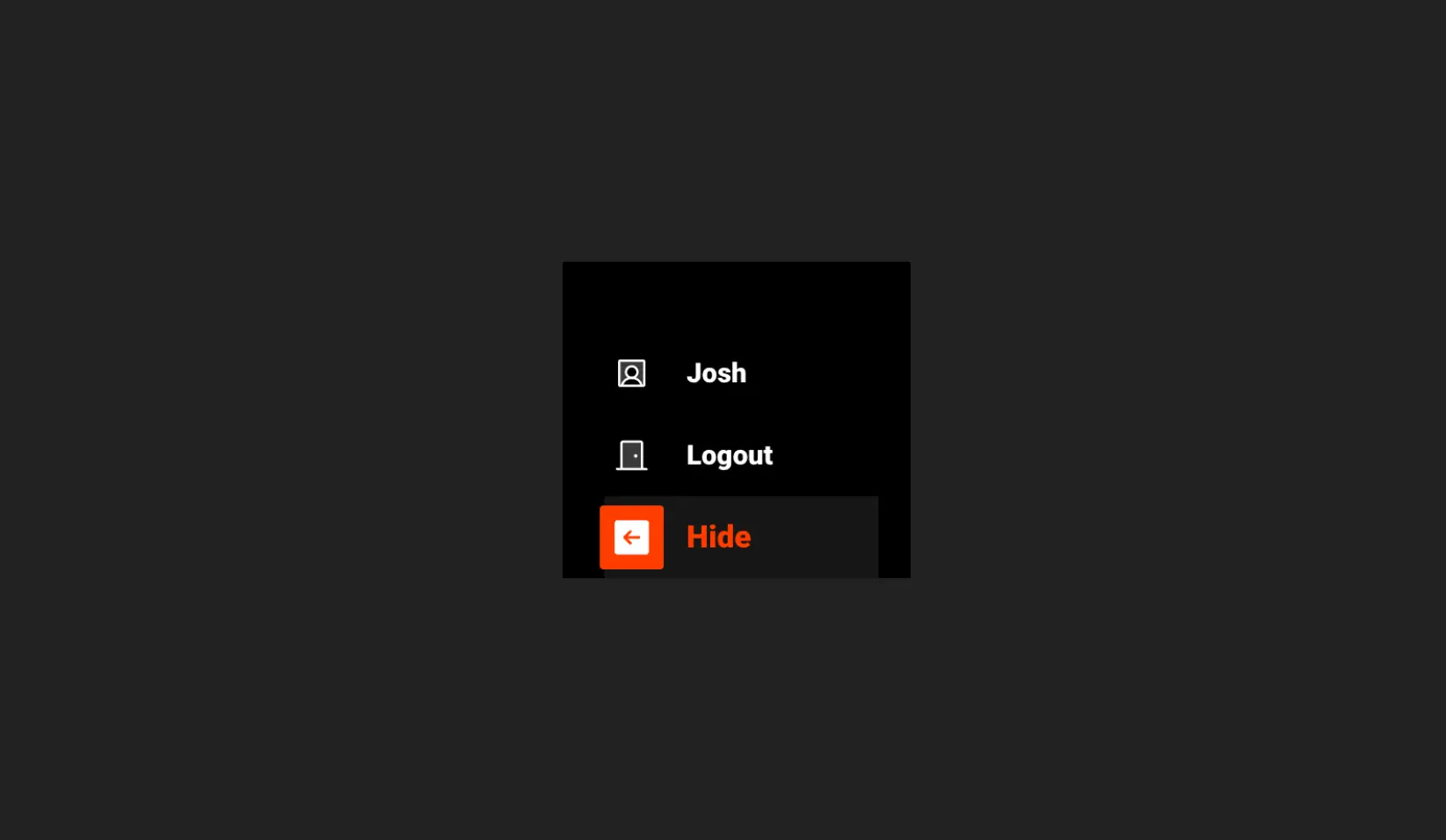
You can now collapse the side menu in Clientility for a cleaner, more focused workspace.
When collapsed, the menu text is hidden, and only the icons remain visible. This gives you more room on your screen while still keeping navigation easy to access.
.webp)

Updated Scheduling Interface
Scheduler has been updated with a fresh new look while keeping the monthly, weekly, and daily views you already use.
You can now filter events by type and employee, making it easier to find the events you need and quickly understand what’s happening across your schedule.
The updated Scheduler gives you a cleaner and more organized way to manage your calendar, track your team’s work, and stay on top of upcoming events.

Job Costing
Job Costing is now available in Clientility, giving you a clearer view of how profitable each job really is.
You can now add the actual cost of a service or product when building out your job details. Once you mark it up for the customer, Clientility helps you understand the difference between what it costs you and what you charge.
This makes it easier to see your profit margins, price your work more accurately, and understand how much you’re making on each job.
Note: Costs are internal and are not visible to customers.

Unit System
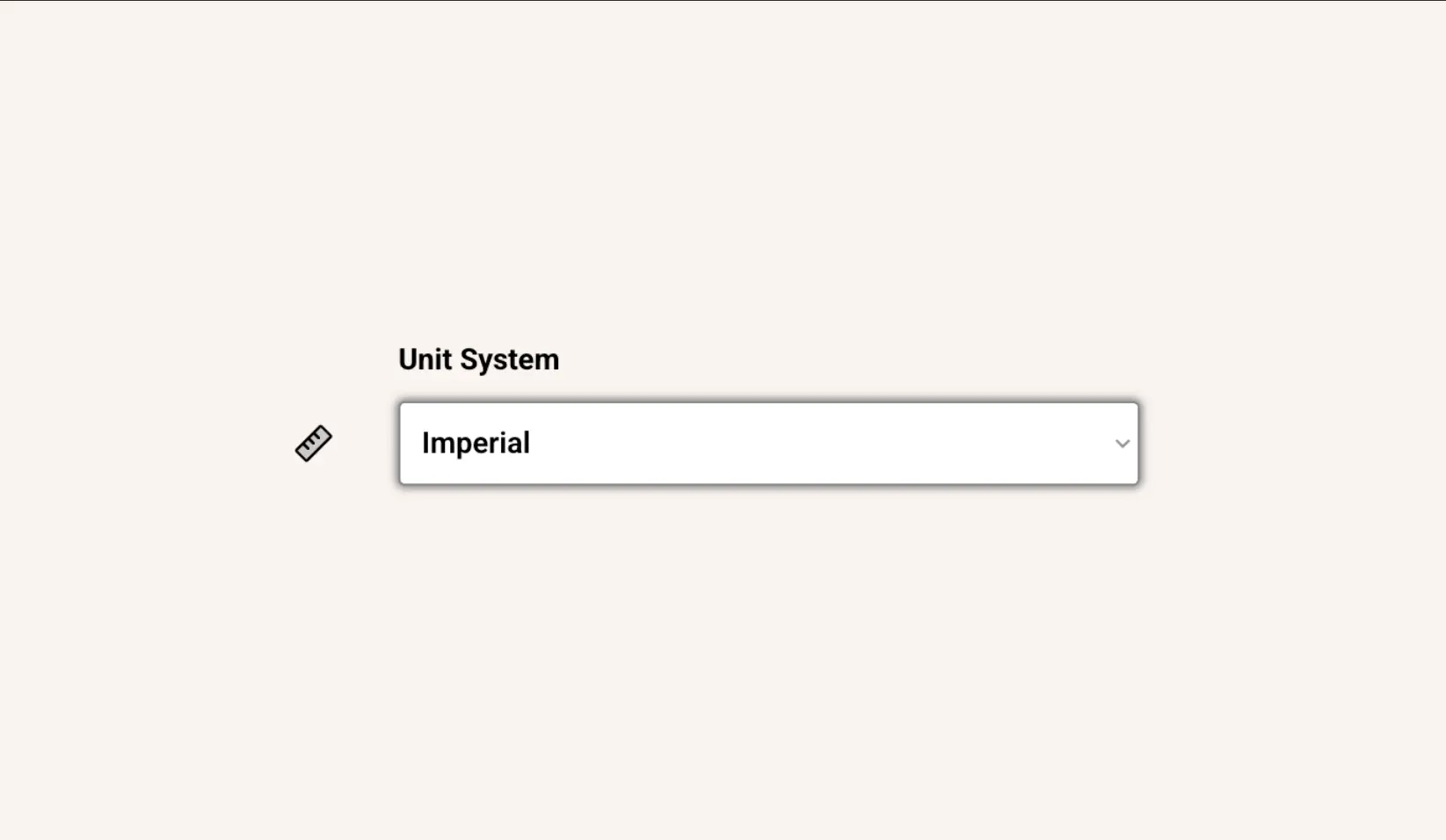
You can now choose between metric and imperial measurements in Clientility.
This gives you more control over how distances are displayed across your account. Whether you prefer kilometers or miles, you can switch your unit system whenever you like.
Your selected unit system helps make distances easier to read and better suited to the way you work.
Team Job Scheduling
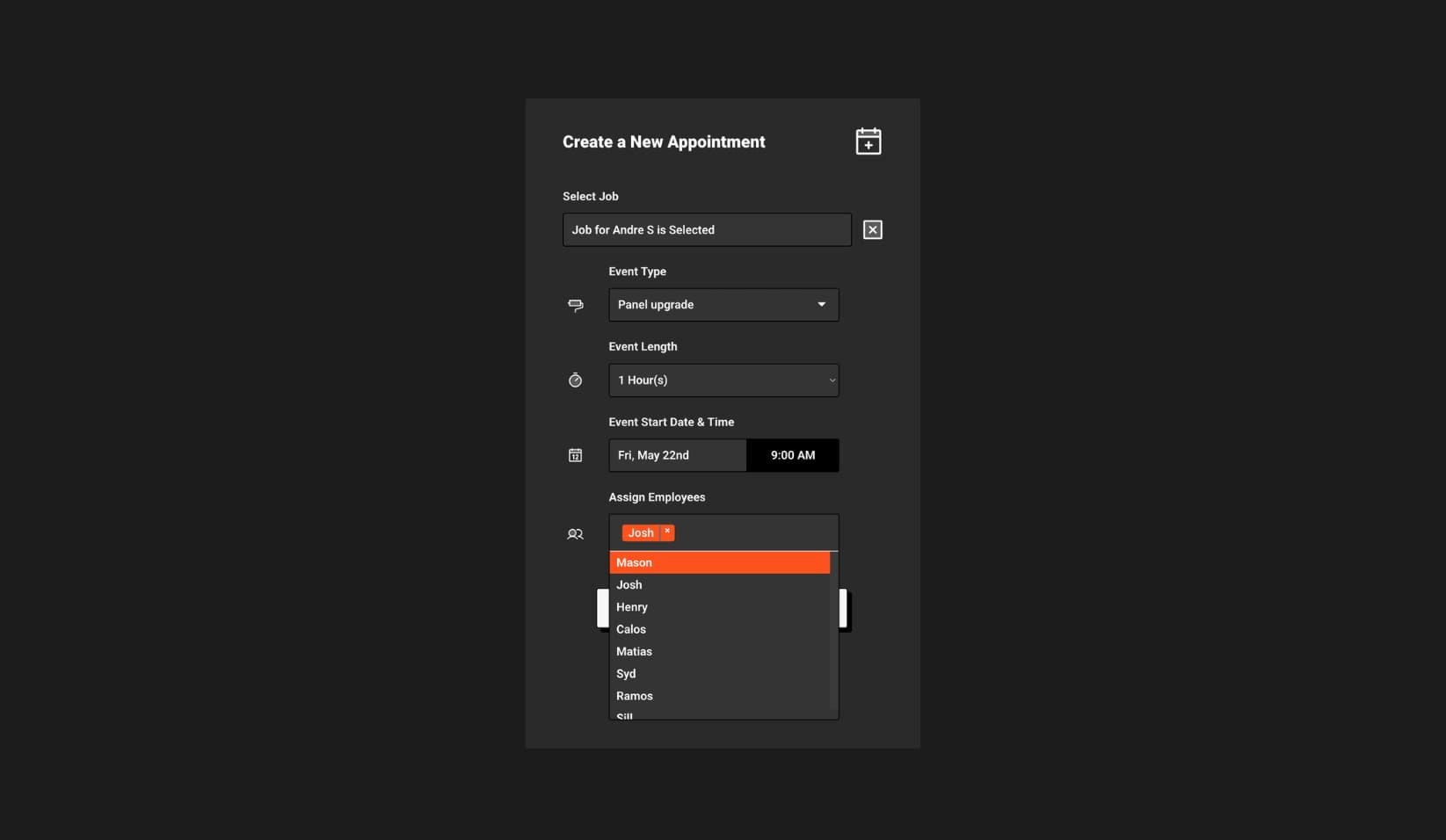
Team Job Scheduling is now available in Clientility, making it easier to schedule jobs and assign work to the right team members.
You can assign team members to events, track who is responsible for each job, and keep everyone updated as schedules change.
Client View
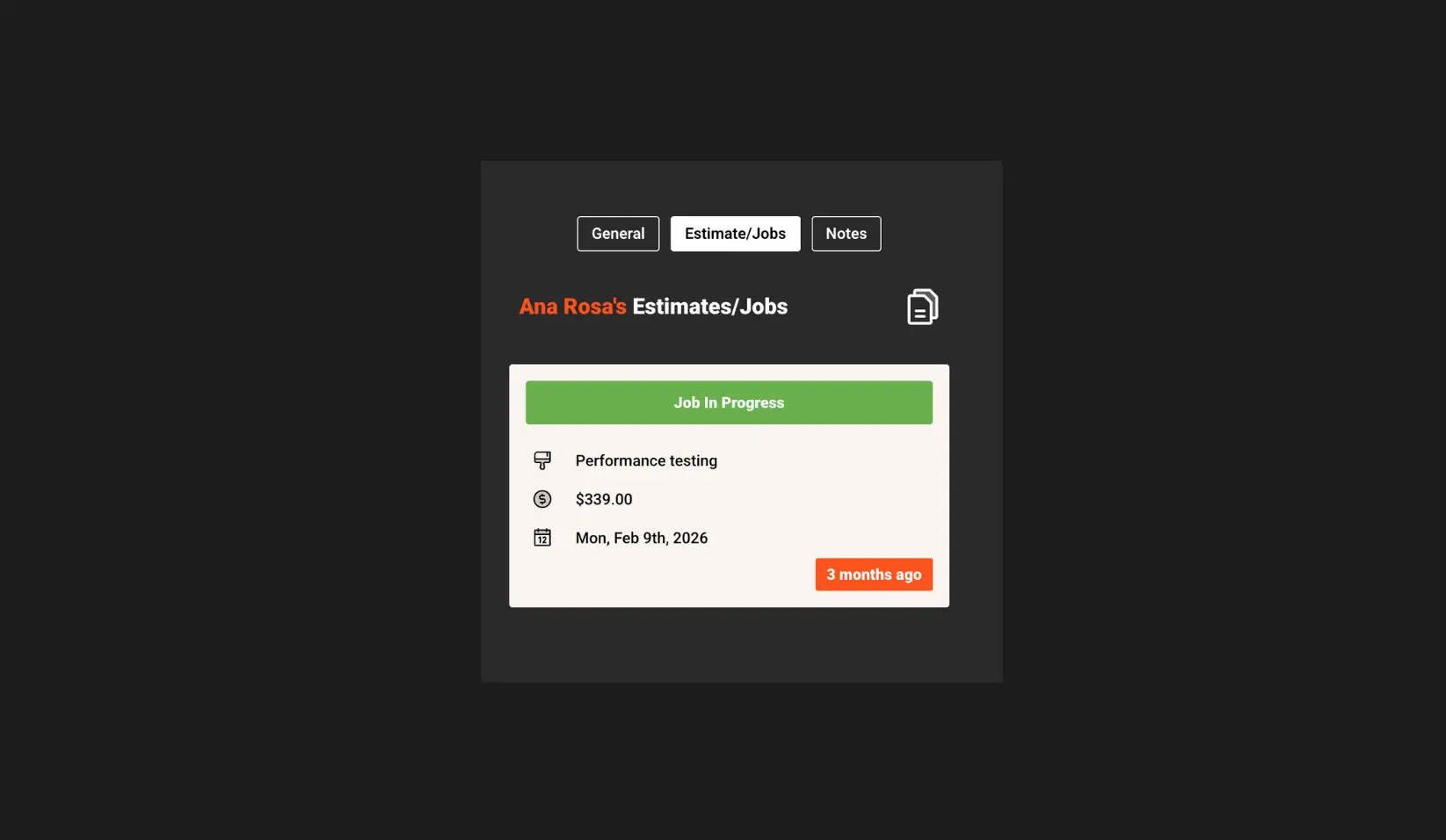
Client View is now available in Clientility, giving you one place to manage important details for each client.
You can now see all jobs and estimates associated with a client, making it easier to review their history without jumping between different areas.
You can also add client-specific notes, so important information stays organized and easy to access. This feature was added in response to a customer request to make managing client details clearer and more convenient.

Live Profitability
Live Profitability is now available in Clientility, giving you real-time profit insights while building estimates.
As you create an estimate, you can add costs, markups, rates, and employee hours to instantly see how profitable the job could be.
This helps you price jobs more accurately, understand your potential earnings, and make smarter decisions without leaving the estimate.
Clock-in and Out
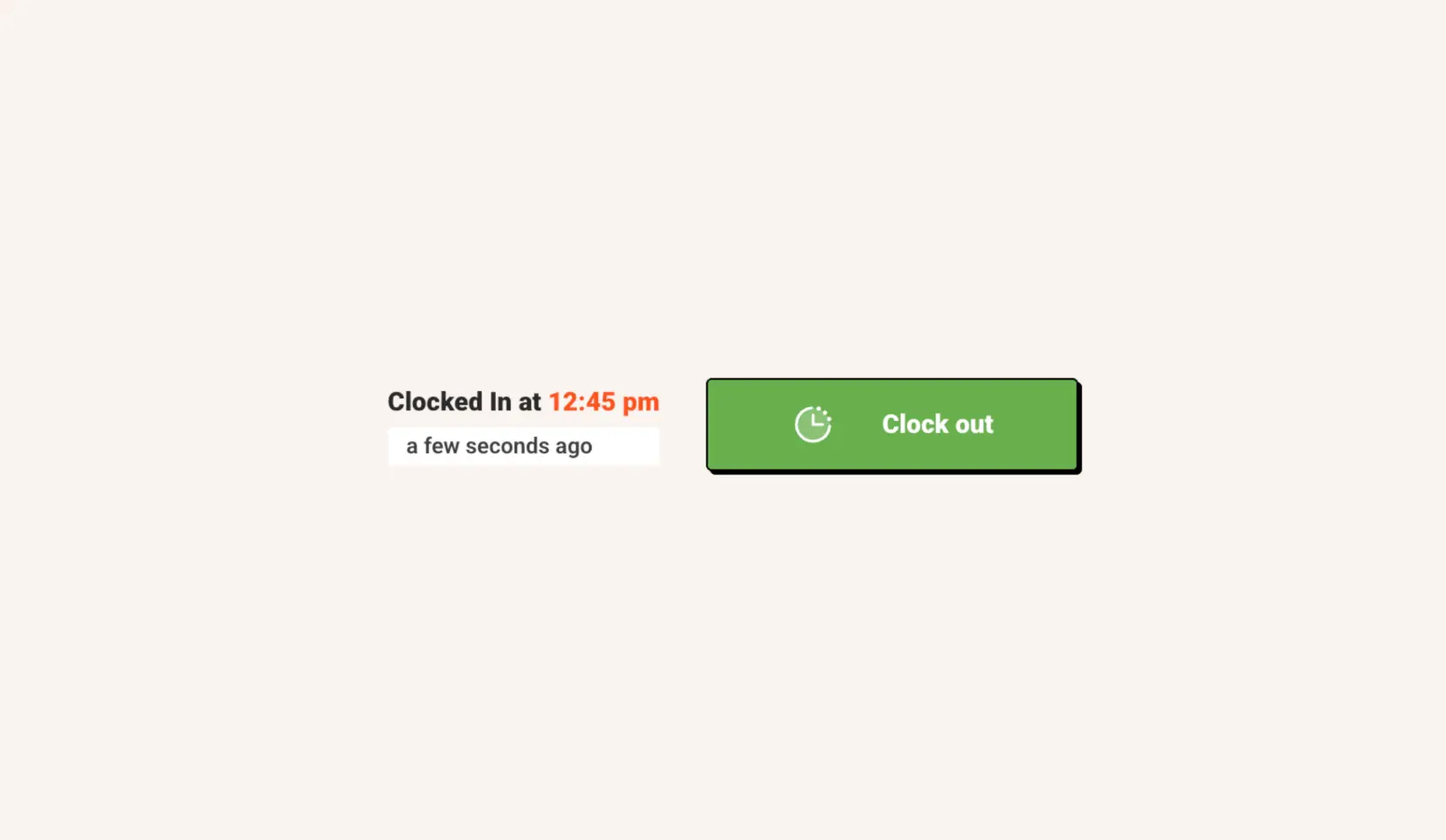
Clock-In and Out is now available in Clientility, making it easier for your team to track time.
Team members can clock in at the start of their shift and clock out when they’re done. Their hours are recorded automatically, helping you keep accurate time records without extra manual tracking.

Markups
Markups are now available in Clientility, helping you price services and products with more consistency.
You can apply predefined markup percentages to your costs, making it easier to calculate pricing without doing manual math each time.
Note: Markups are kept internal and are not visible to customers. Customers will only see the final amount.