See what's new in Clientility

Before and After Images
Before & After Images are now available in Clientility, giving you a simple way to document the progress and results of each job.
You can add before and after photos directly to a job, making it easier to keep a clear visual record of the work completed.
You can also choose whether the images stay internal for your team or are shared with the customer through the client portal.


Multiple Line Item Images
You can now add multiple images to each line item in Clientility.
Previously, each line item only supported one image. With this update, you can attach multiple photos to better show the product, service, material, or work being included.
This gives customers a clearer view of what each line item includes and helps make your estimates more detailed and professional.
Review Boost
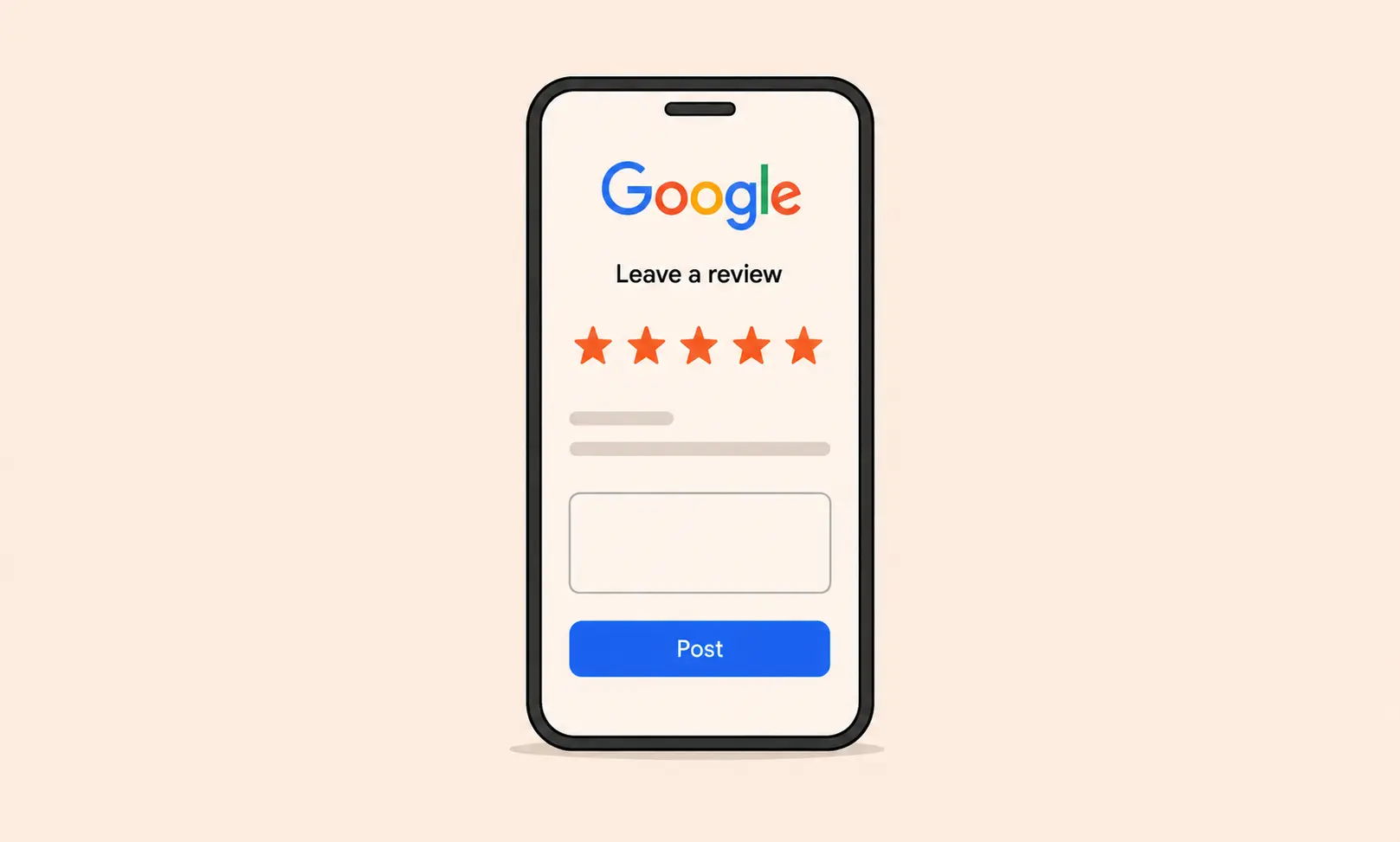
You can now use Review Boost to automatically follow up with customers after a job is completed and turn great experiences into stronger Google visibility.
When a job is marked complete, Review Boost sends your customer a customizable feedback survey. If their rating meets the threshold you choose, they’ll be guided to leave a Google review. This helps you build a steady stream of positive public feedback without manually chasing reviews.
If the rating falls below your chosen threshold, the response stays private so you can review the feedback and resolve any concerns before they appear publicly.
Review Boost helps you collect feedback in one place, improve your Google presence, build trust with future customers, and reduce the extra follow-up work that usually comes after finishing a job.
Note: Google review requests are only shown when a customer’s feedback meets your selected rating threshold.
.webp)
Improved Notifications
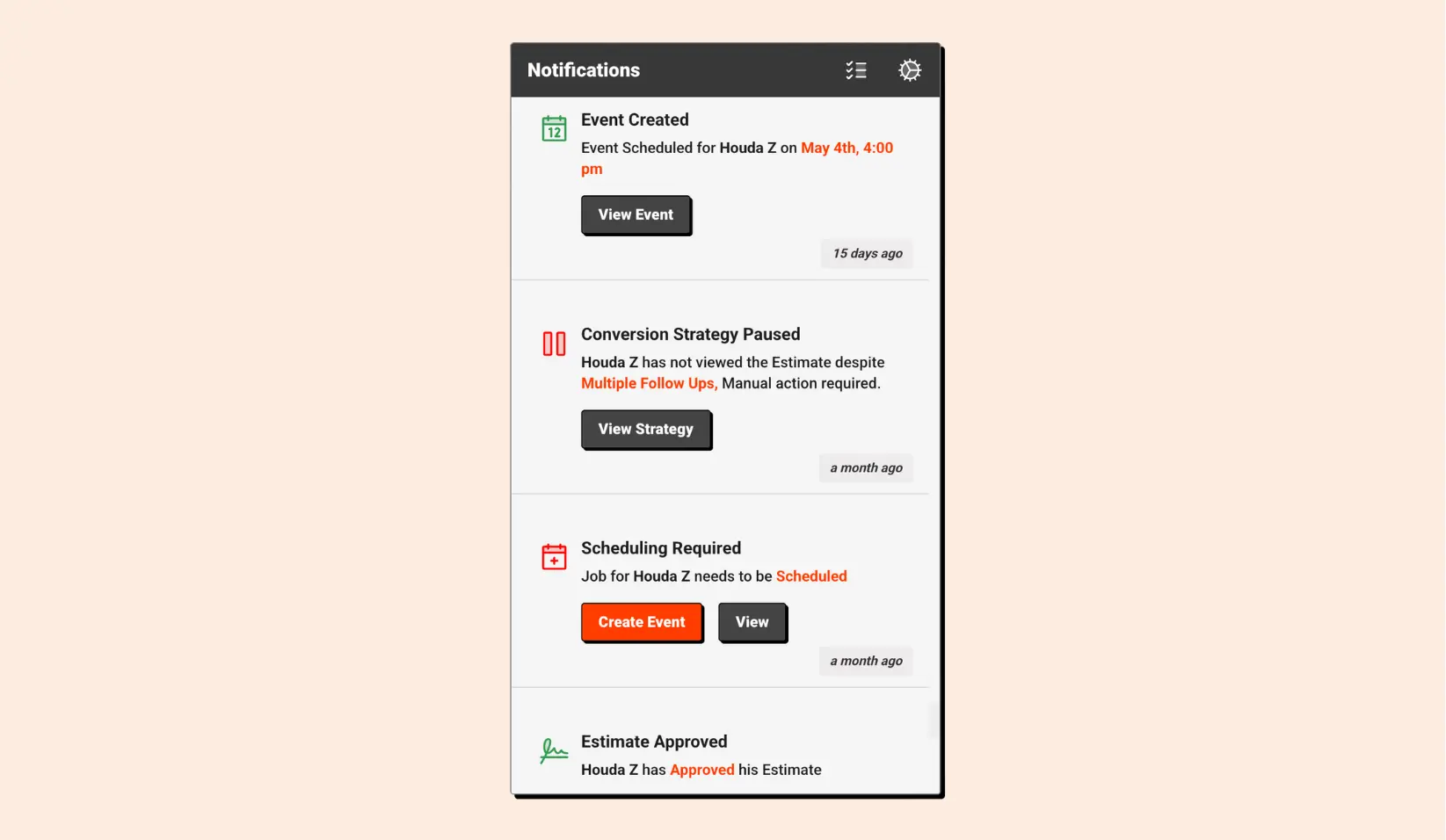
We refreshed Notifications to make important updates easier to see, manage, and act on.
The desktop experience is now cleaner and more organized, giving you a clearer view of what needs your attention. Notifications are easier to scan, so you can stay on top of updates without sorting through unnecessary noise.
Notifications are now also fully supported on mobile. You’ll receive push notifications on your phone, helping you stay informed even when you’re away from your desk.
You can also customize which notifications you receive and how you receive them, so your team only gets the updates that matter most.
With a cleaner layout, mobile push support, and more control over notification preferences, Notifications helps you stay informed without letting updates get in the way.

Activity Feed
Activity Feed is now available to help you keep track of important updates across your business.
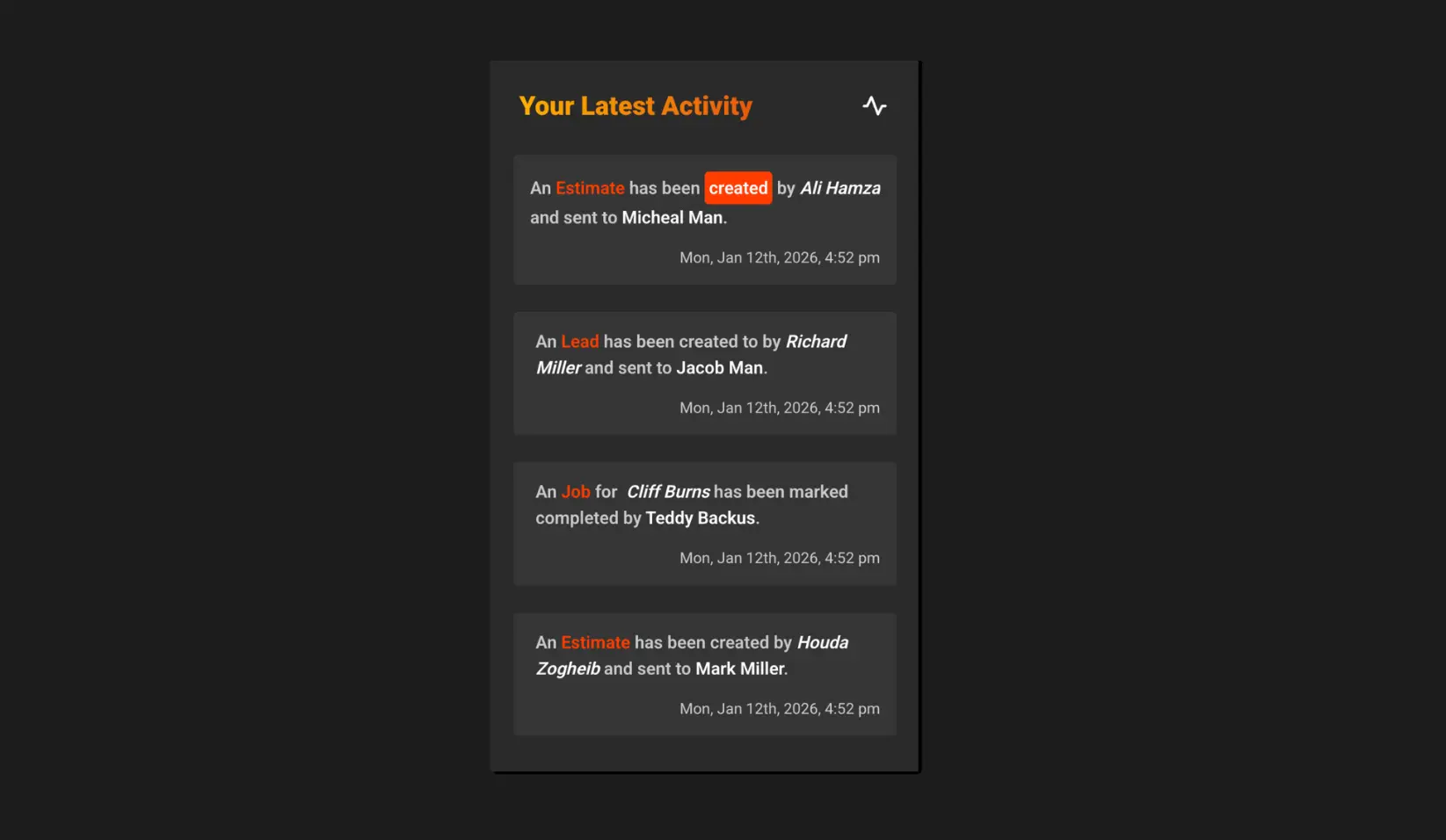
As work happens inside Clientility, Activity Feed gives you one organized place to see key actions, changes, and updates. You can quickly view when jobs are updated, payments are made, estimates are accepted, reminders are sent, and other important activity takes place.
Instead of digging through different pages or checking in with your team, you can see what happened, when it happened, and who was involved in a simple timeline.
By keeping important updates together, Activity Feed helps your team stay aligned, catch changes faster, and maintain better visibility across day-to-day operations.
Multi-Currency Support
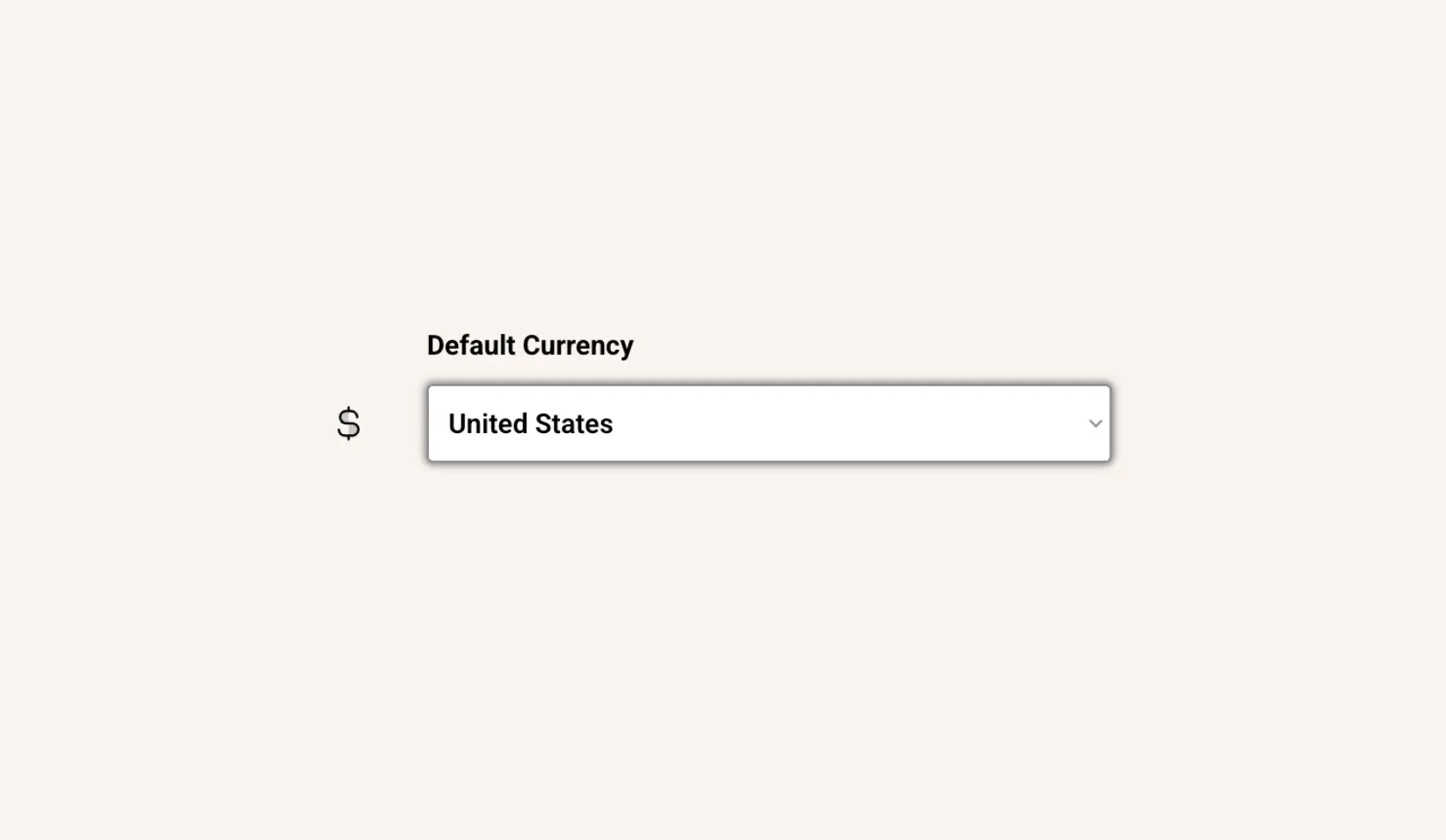
You can now charge customers in either USD or CAD, giving you more flexibility in how you collect payments.
This update makes it easier to bill customers in the currency that works best for your business and your clients. Whether you work with customers in Canada or the United States, you can choose the right currency for each transaction.
By supporting both USD and CAD, Clientility helps make payments smoother, more convenient, and better suited to the way your business operates.
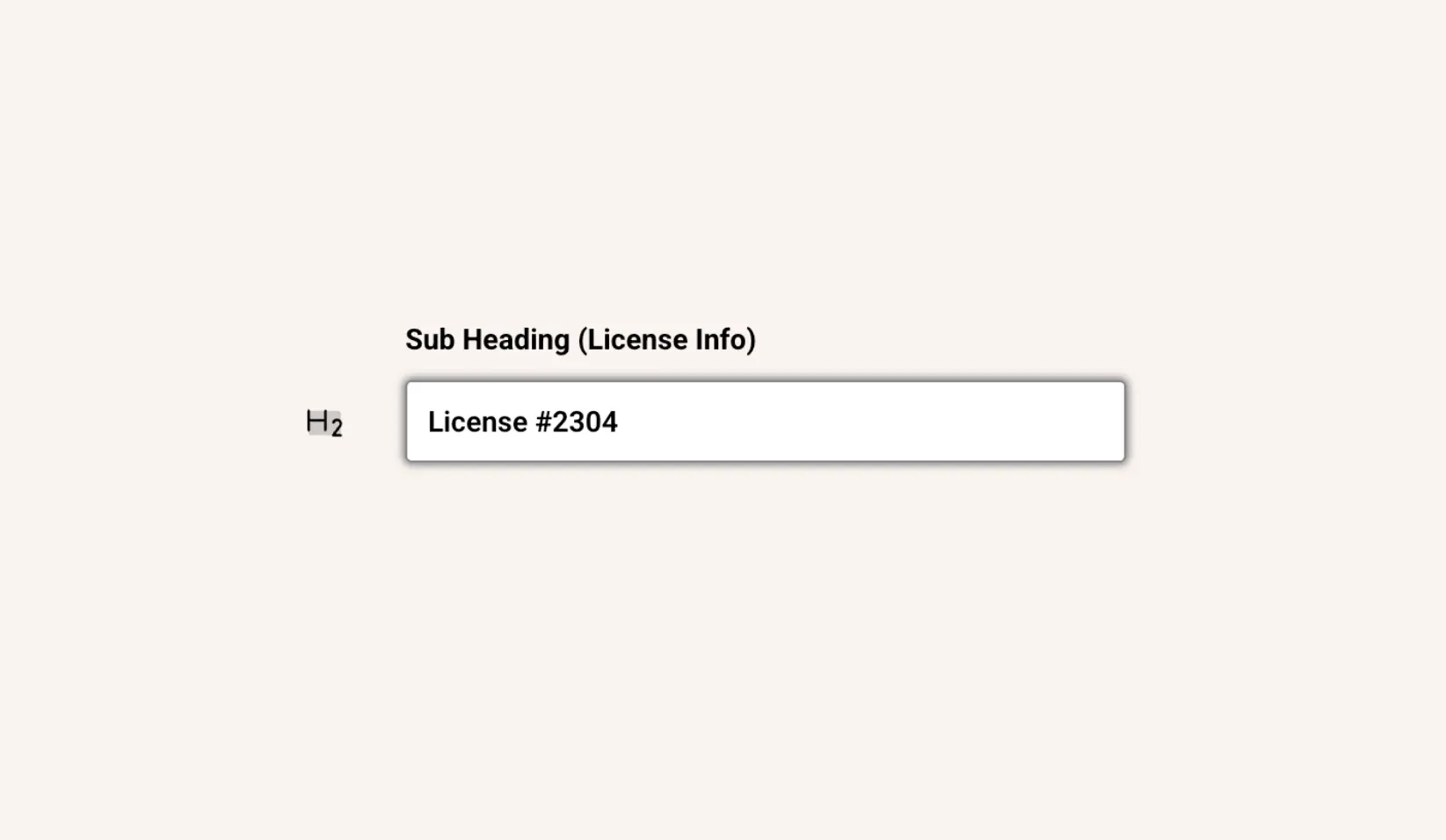
License Info
You can now add a subheading to your estimates, giving you more flexibility in how information is displayed.
This update makes it easier to include important details near the top of an estimate, such as a license number, business note, service area, certification, or any other information you want customers to see.
The feature was originally requested by a customer who wanted to show their license number on estimates, but it can be used for whatever makes sense for your business.

Accounting
Accounting has been fully rebuilt, giving you a more reliable way to manage your business finances in Clientility.
You can now create and manage expenses, track transactions, and keep your books organized with improved accuracy and efficiency. The rebuilt experience is designed to make day-to-day accounting smoother, faster, and easier to manage.
With a cleaner workflow and more dependable financial tracking, Accounting helps you stay organized and get a clearer view of where your money is going.
By bringing expenses, transactions, and financial records together in one place, Clientility makes it easier to keep your accounting up to date without slowing down your work.
Sign up/Log in with Google
You can now sign up and log in to Clientility using your Google account.
This makes it faster to create an account, access your workspace, and get started without setting up or managing another password. Whether you’re joining Clientility for the first time or returning to your account, Google Sign-In helps make the process smoother.
By reducing extra login steps, this update makes onboarding easier and gives you a quicker way to get back into your work.
.webp)
QuickBooks Integration
You can now connect Clientility to QuickBooks.
Once connected, Clientility can automatically sync customers, jobs, expenses, invoices, and more. This helps keep your financial data up to date without needing to manually enter the same information twice.
With QuickBooks connected, you can maintain more accurate accounting records, see a clearer picture of each project’s finances, and simplify your bookkeeping process across your business.
Note: Clientility acts as the source of truth after the initial sync. During the first sync, clients from QuickBooks are brought into Clientility, and clients from Clientility are sent to QuickBooks. After that, updates made in Clientility will sync to QuickBooks, but changes made in QuickBooks will not sync back to Clientility.