Menu

This guide explains how to update your company colours in Clientility. Your company colours help customize customer-facing areas, including estimates, invoices, work orders, and email buttons, so they match your business branding.


Click Settings from the main sidebar to access your account configuration options.
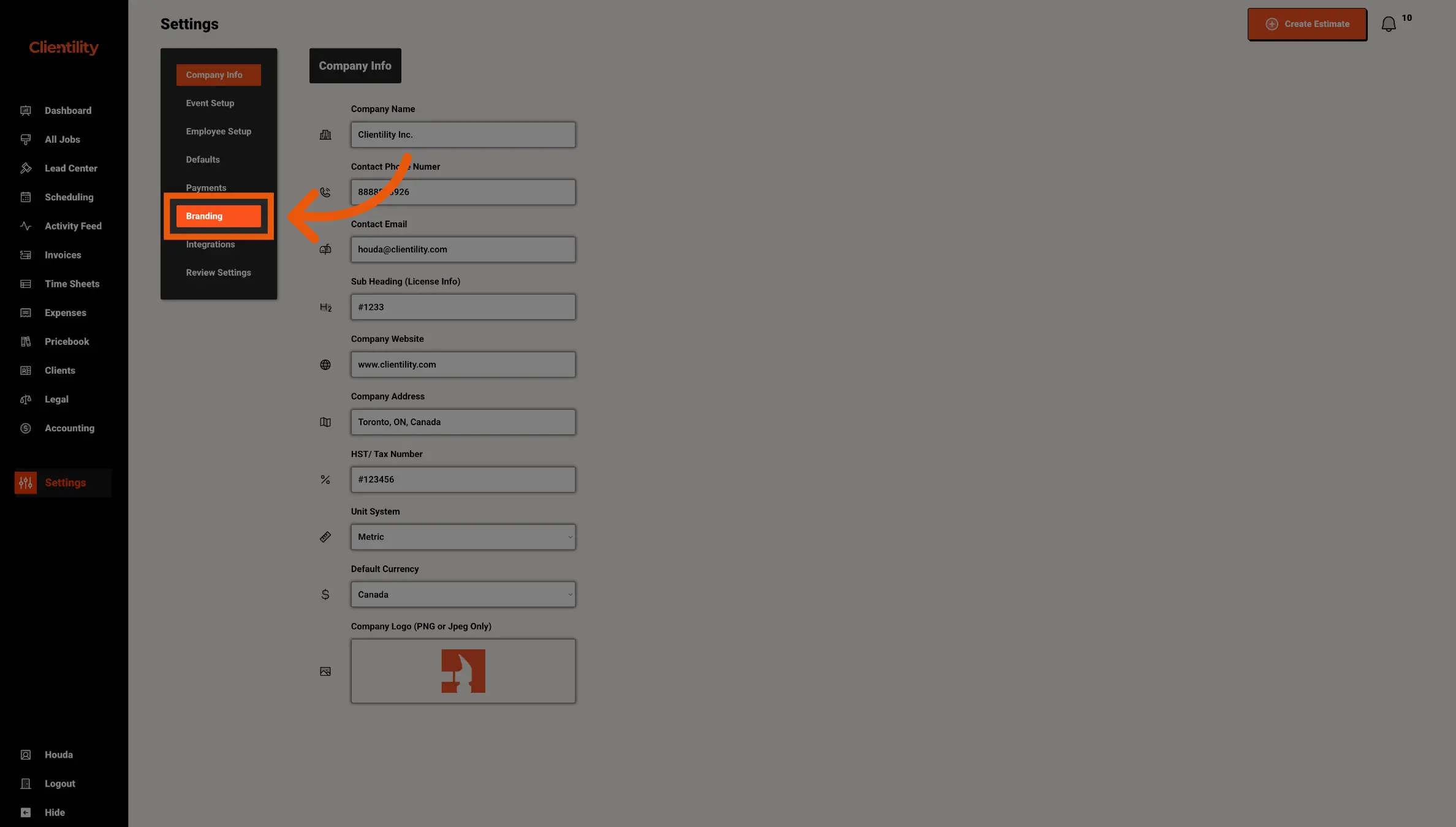
Click Branding to view and edit your company colour settings.
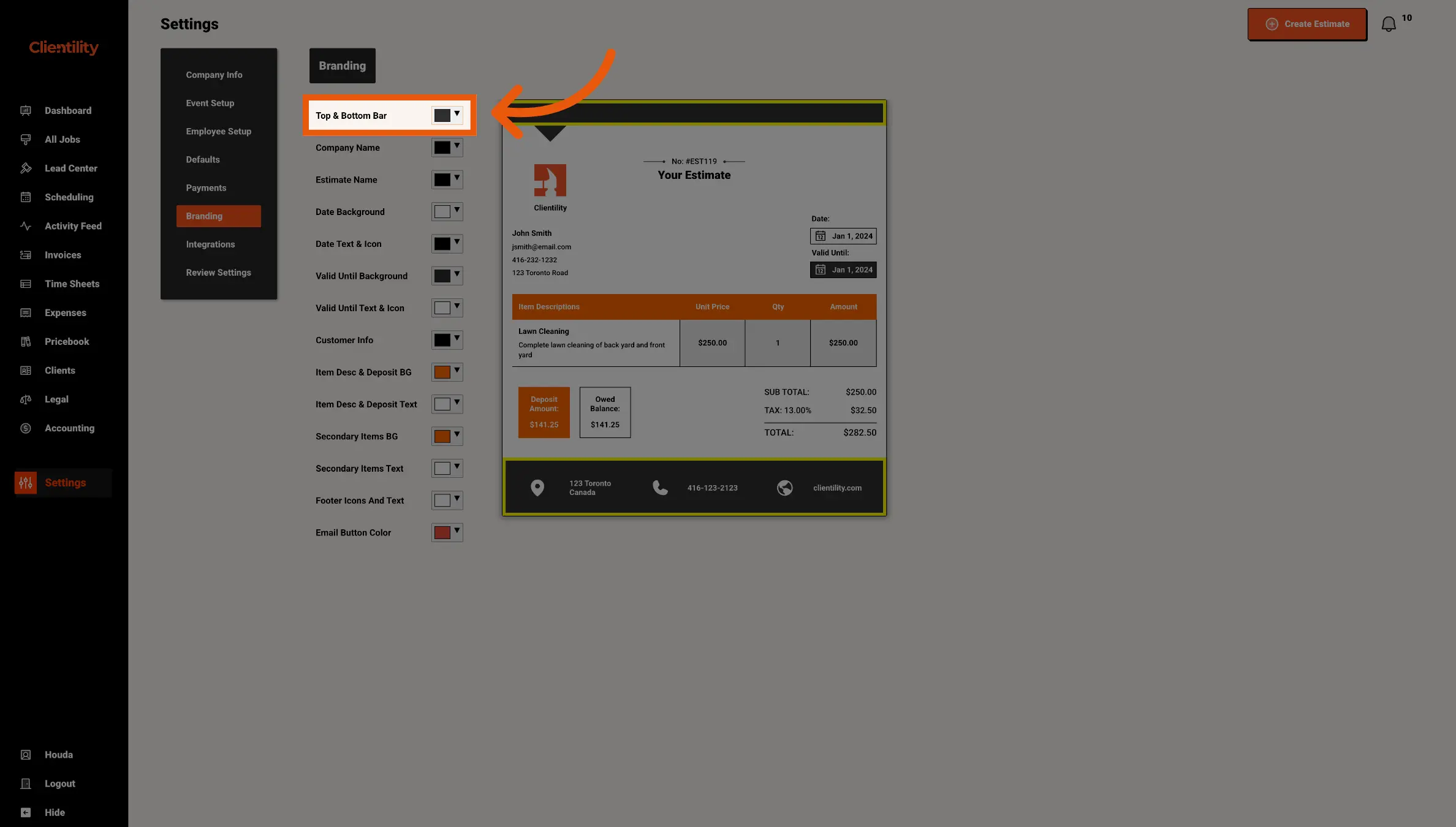
Select or enter your company colours.
These colours can be used to customize customer-facing areas such as estimates, invoices, work orders, and email buttons.