Menu
This guide explains how to change the default Estimate Valid For (in Days) setting in Clientility. This setting controls how many days a new estimate remains valid before it expires.

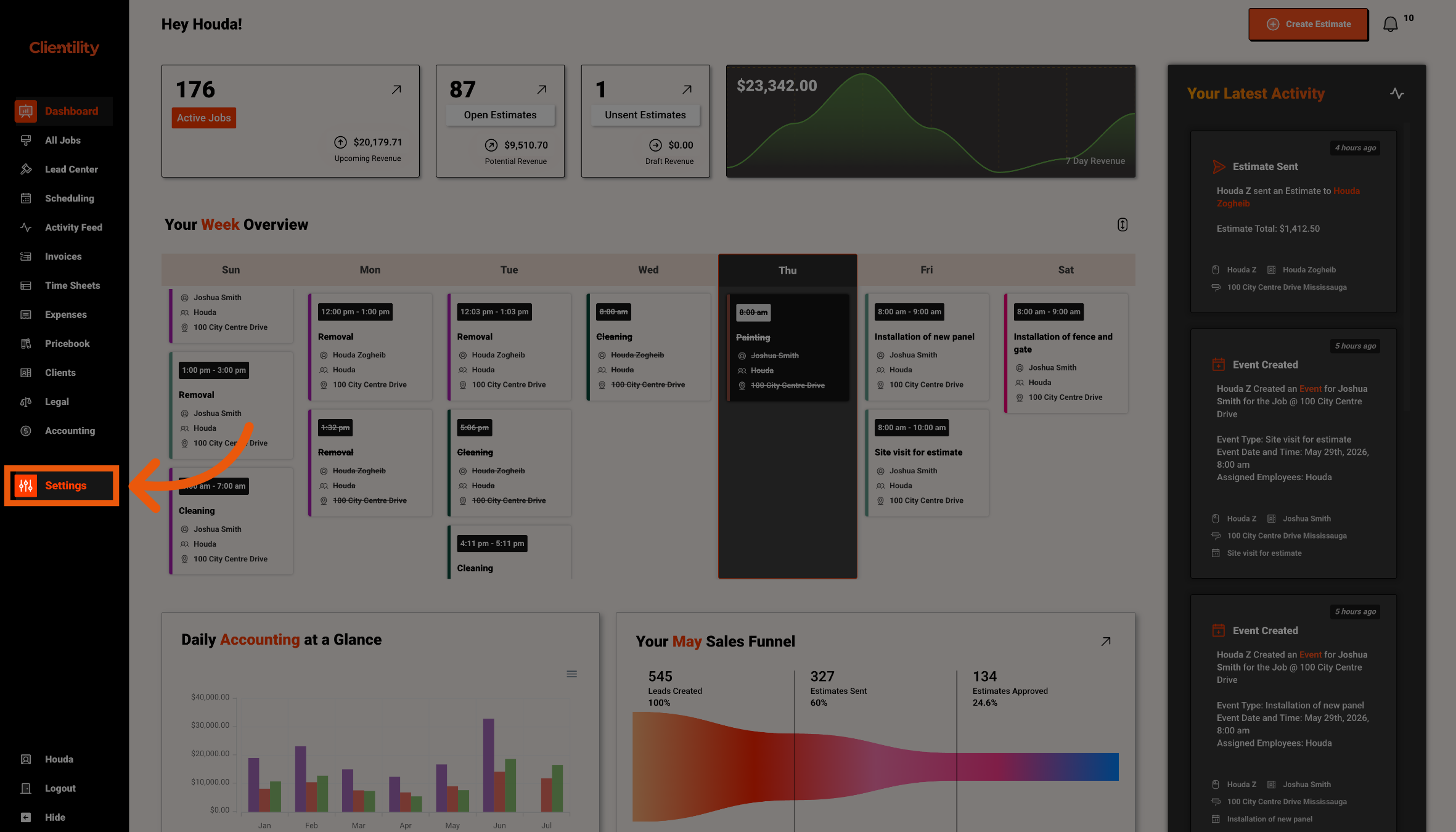
Click Settings from the main sidebar to access your account configuration options.
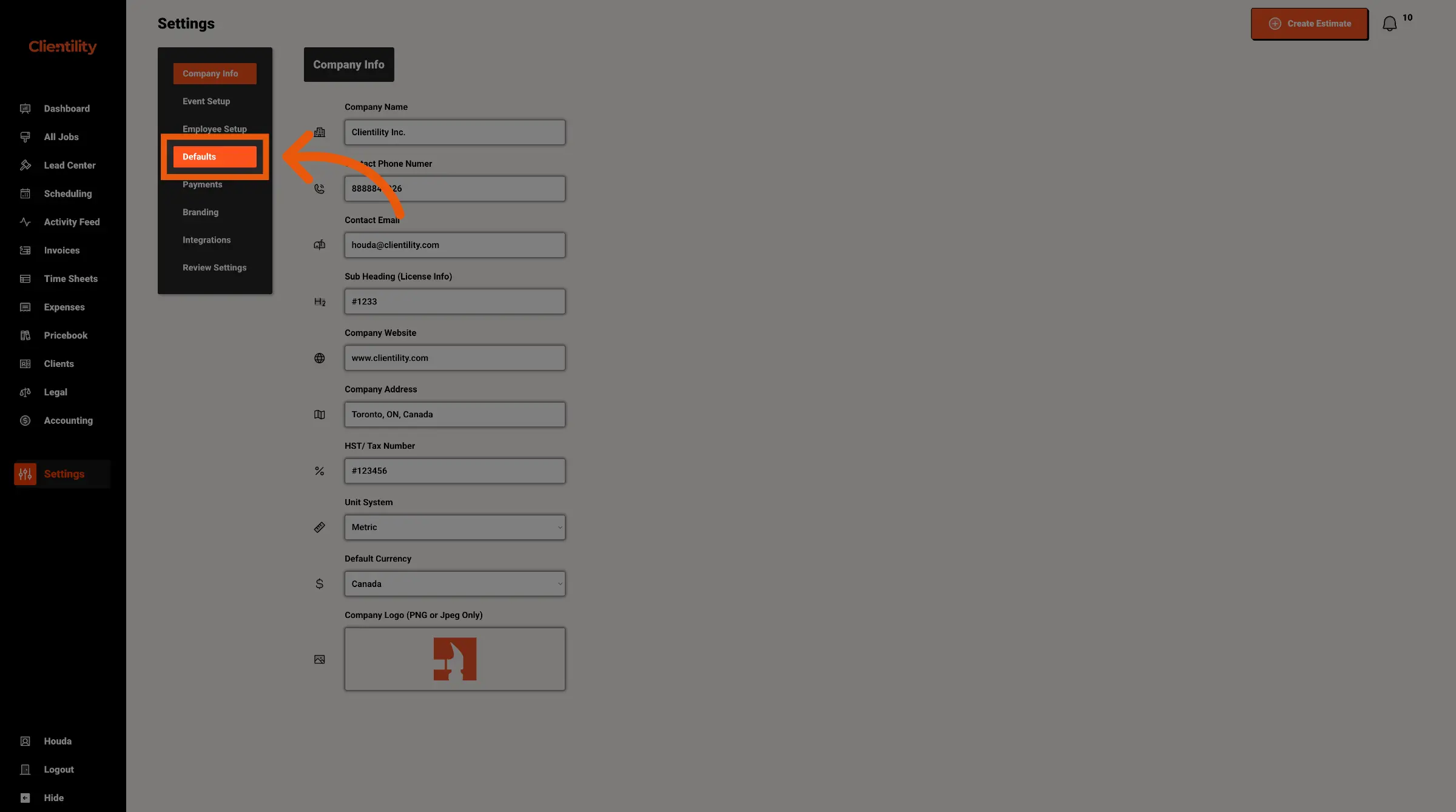
Click Defaults to access your default configuration settings.
This section is where you can manage preset values used across your account.
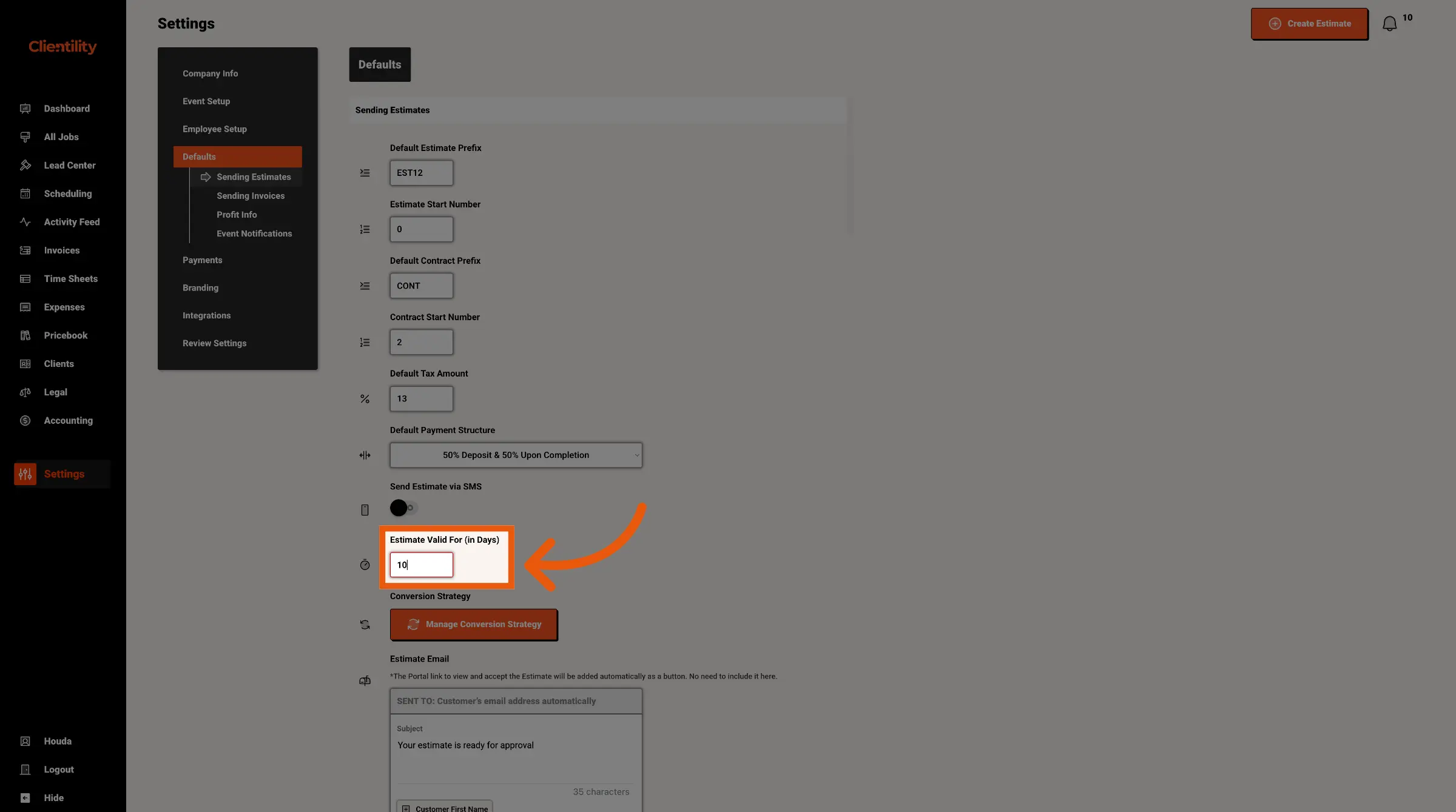
Enter the number of days you want estimates to remain valid by default.
For example, entering 30 means new estimates will be valid for 30 days.