Menu
This guide explains how to change the default Send Invoices via SMS setting in Clientility. This setting controls whether invoice text messages are sent to customers by default when an invoice is sent.

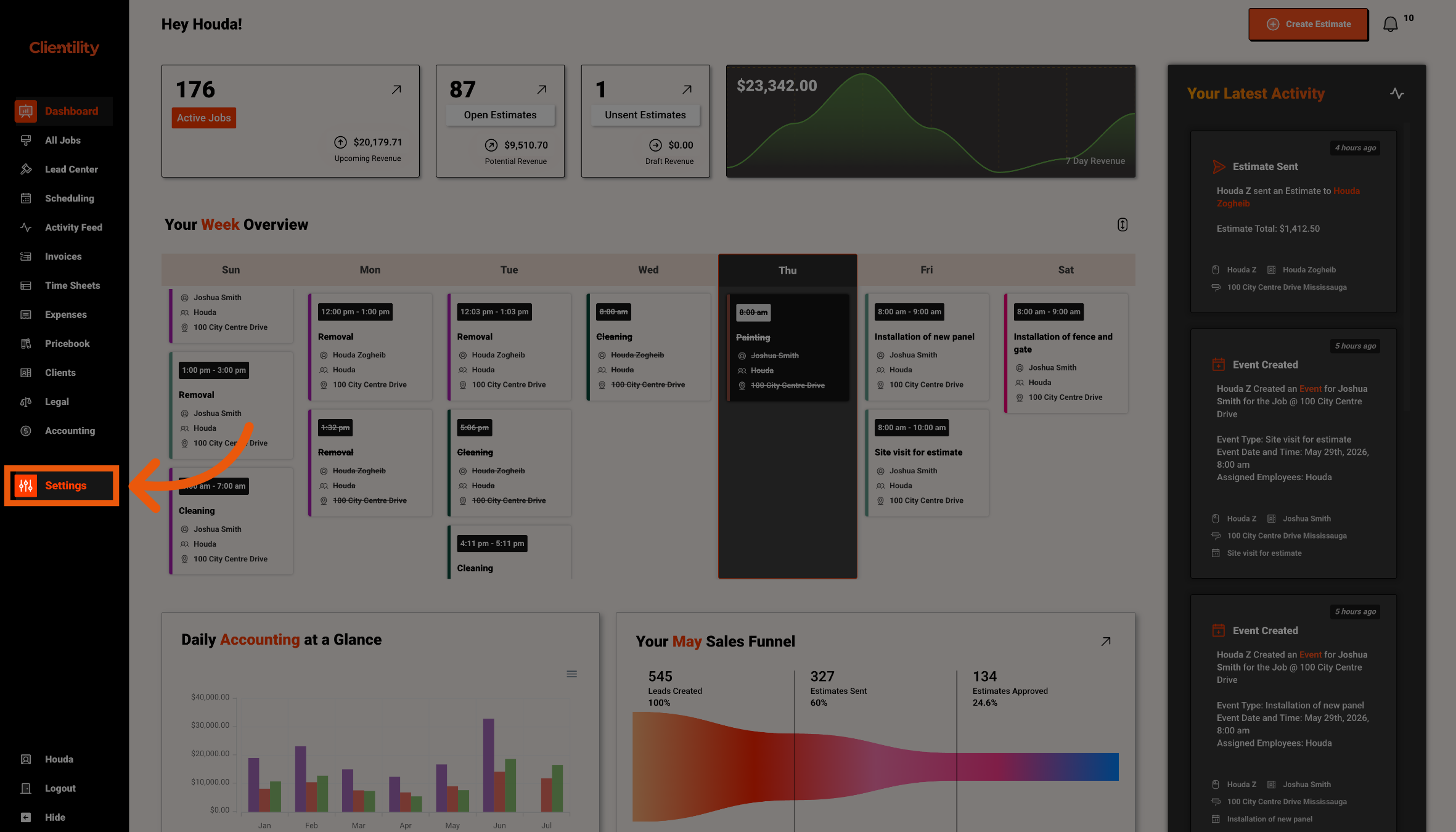
Click Settings from the main sidebar to access your account configuration options.
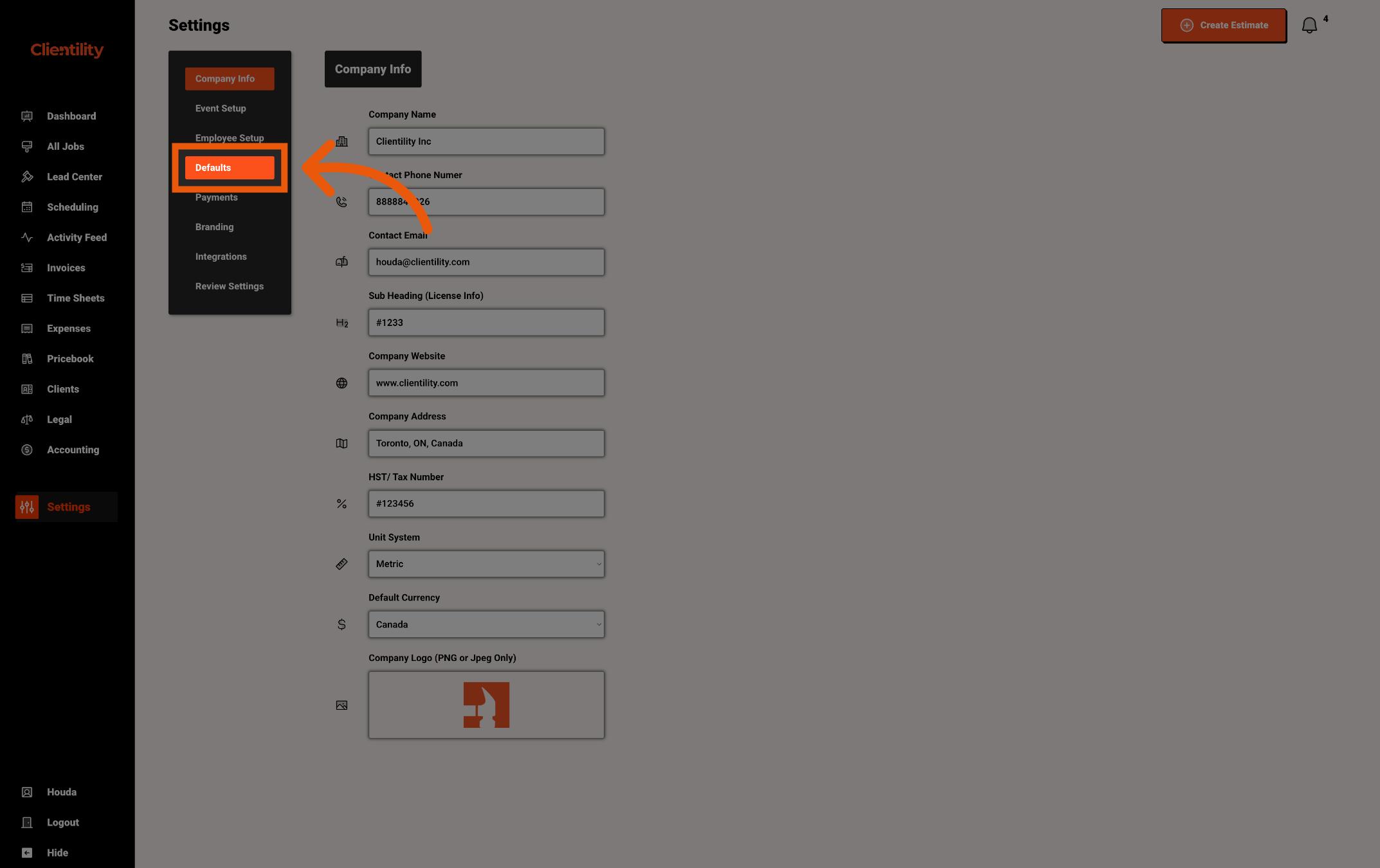
Click Defaults to access your default configuration settings.
This section is where you can manage preset values used across your account.
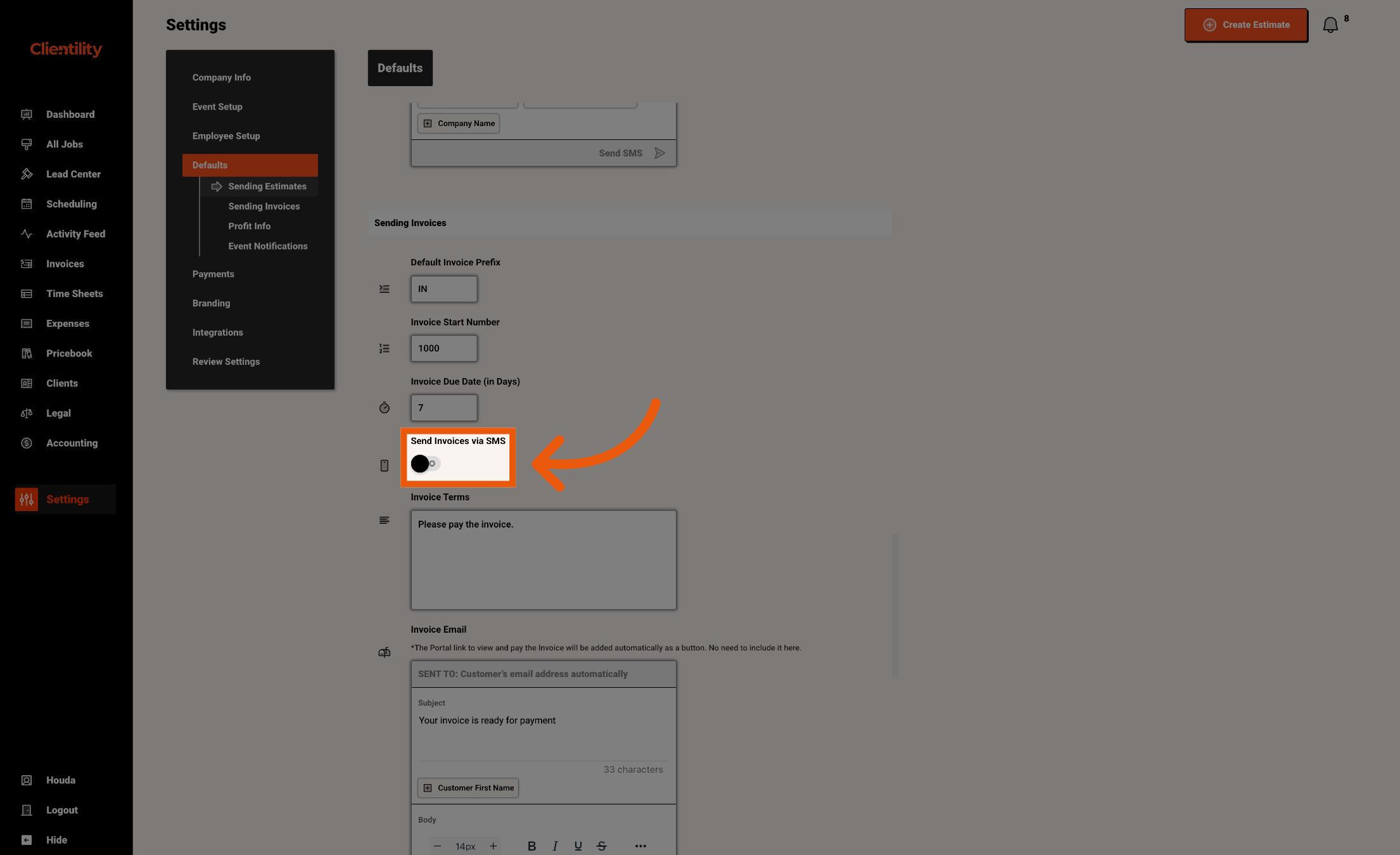
Turn on Send Invoices via SMS if you want invoice text messages to be sent to customers by default. Turn it off if you only want invoices to be sent by email.
When this is turned on, customers can receive the invoice by text message along with the invoice email.