Menu
Clientility allows you to set a default prefix for contracts. This is helpful if you want your contract labels to match your business process, internal records, or document naming style.

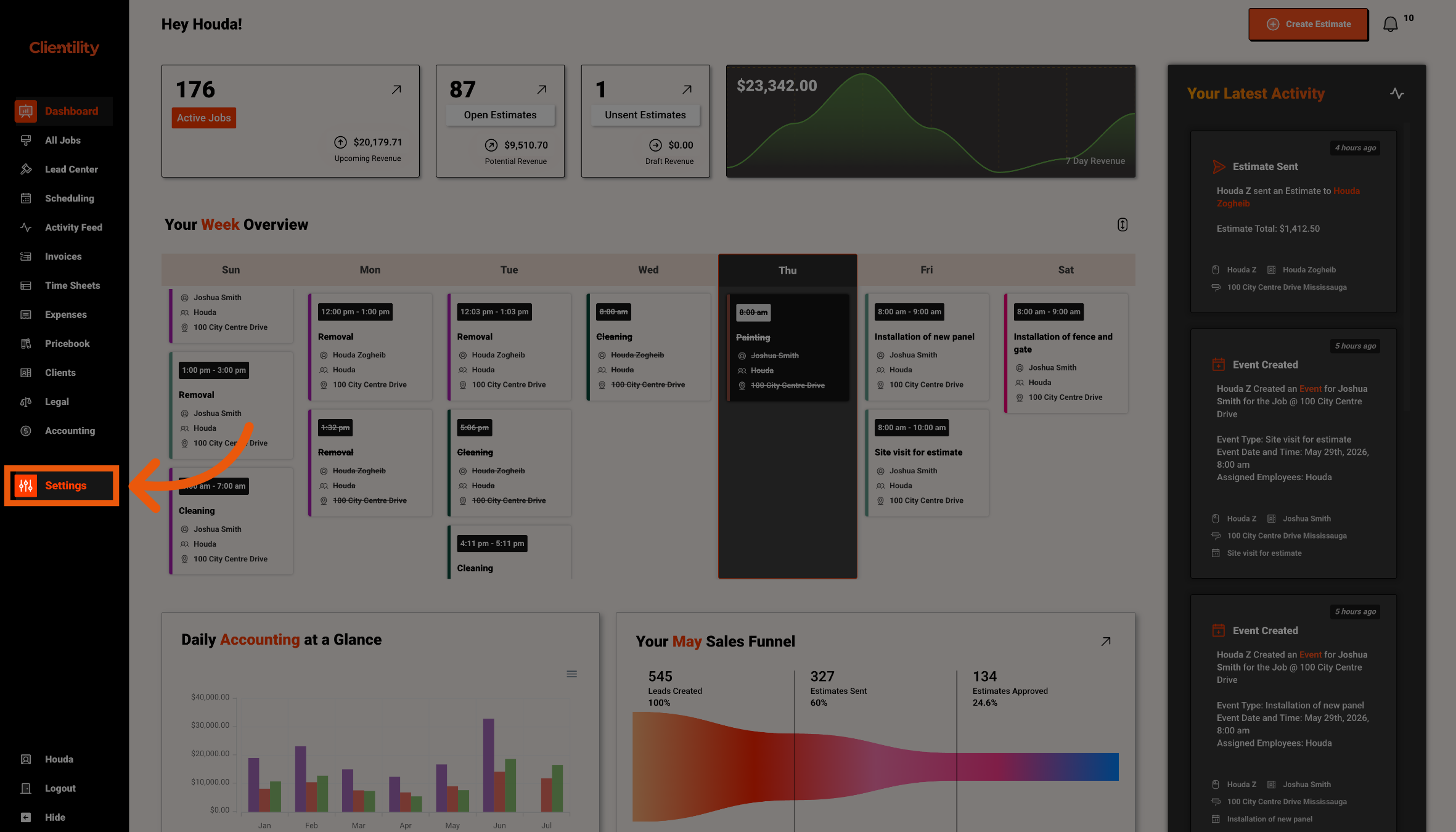
Click Settings from the main sidebar to access your account configuration options.
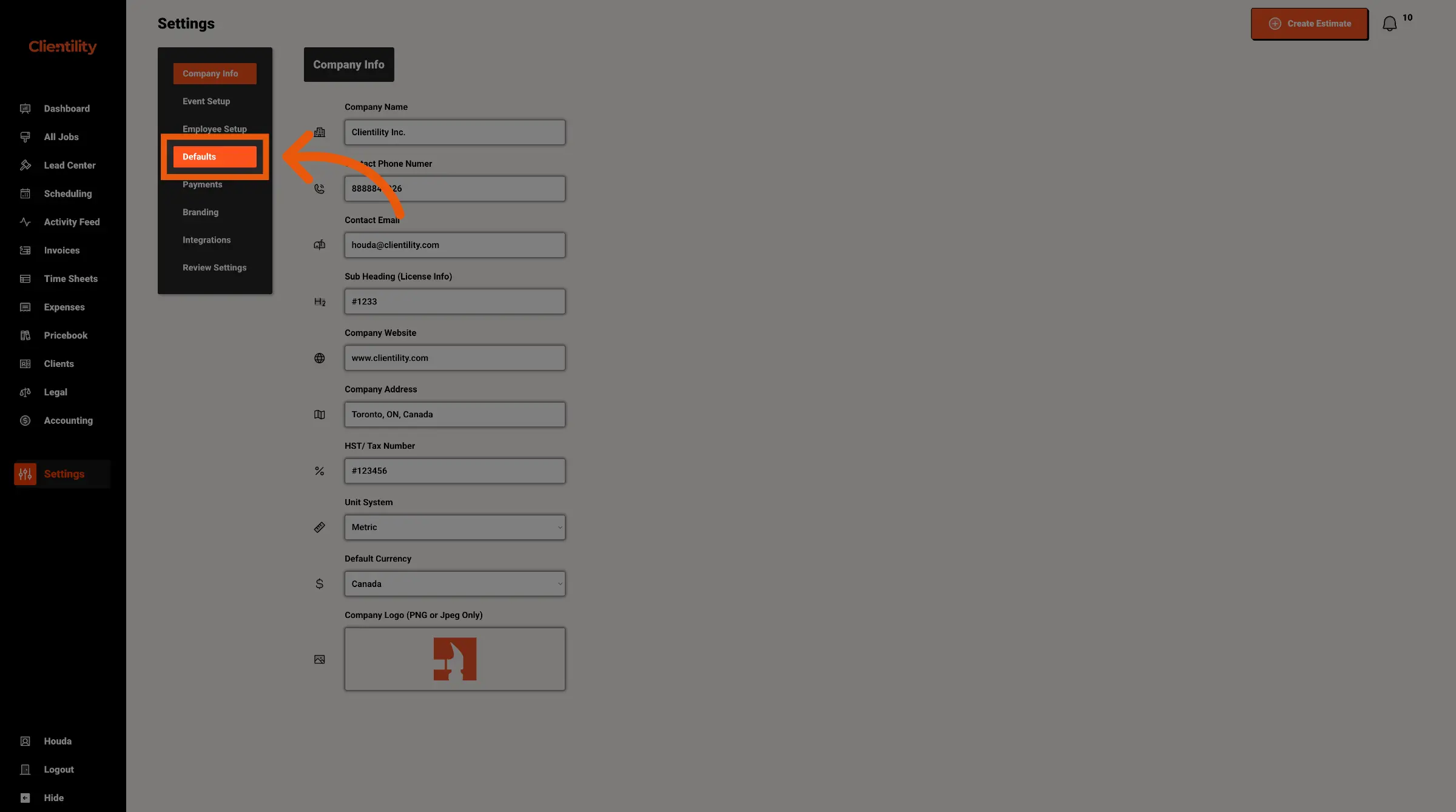
Click Defaults to access your default configuration settings.
This section is where you can manage preset values used across your account.
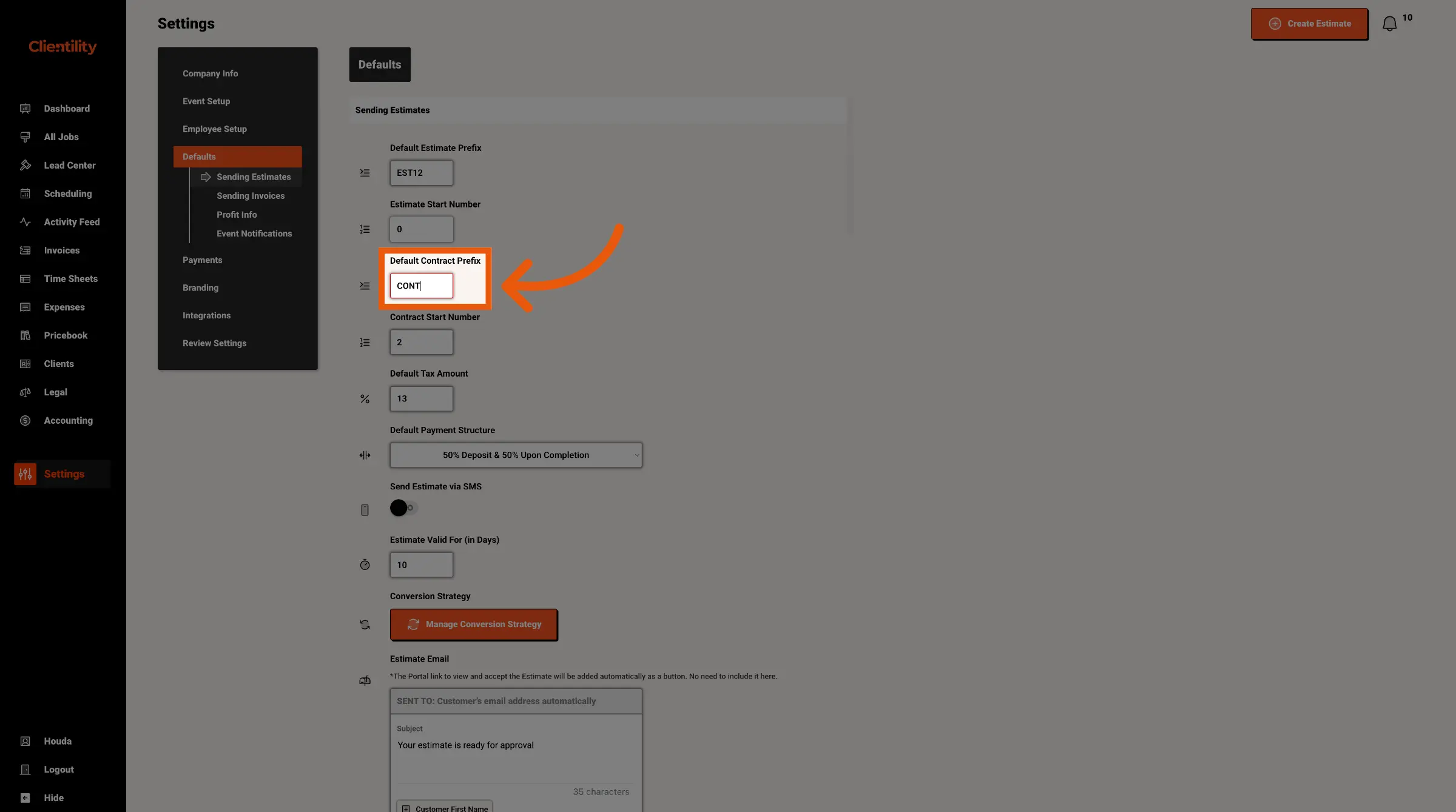
Enter the contract prefix you want to use going forward.
For example, if you enter CON, new contracts can use that prefix before the contract number.