Menu
This guide explains how to change your default estimate prefix in Clientility. Your estimate prefix is used to help label and organize estimates created in your account.

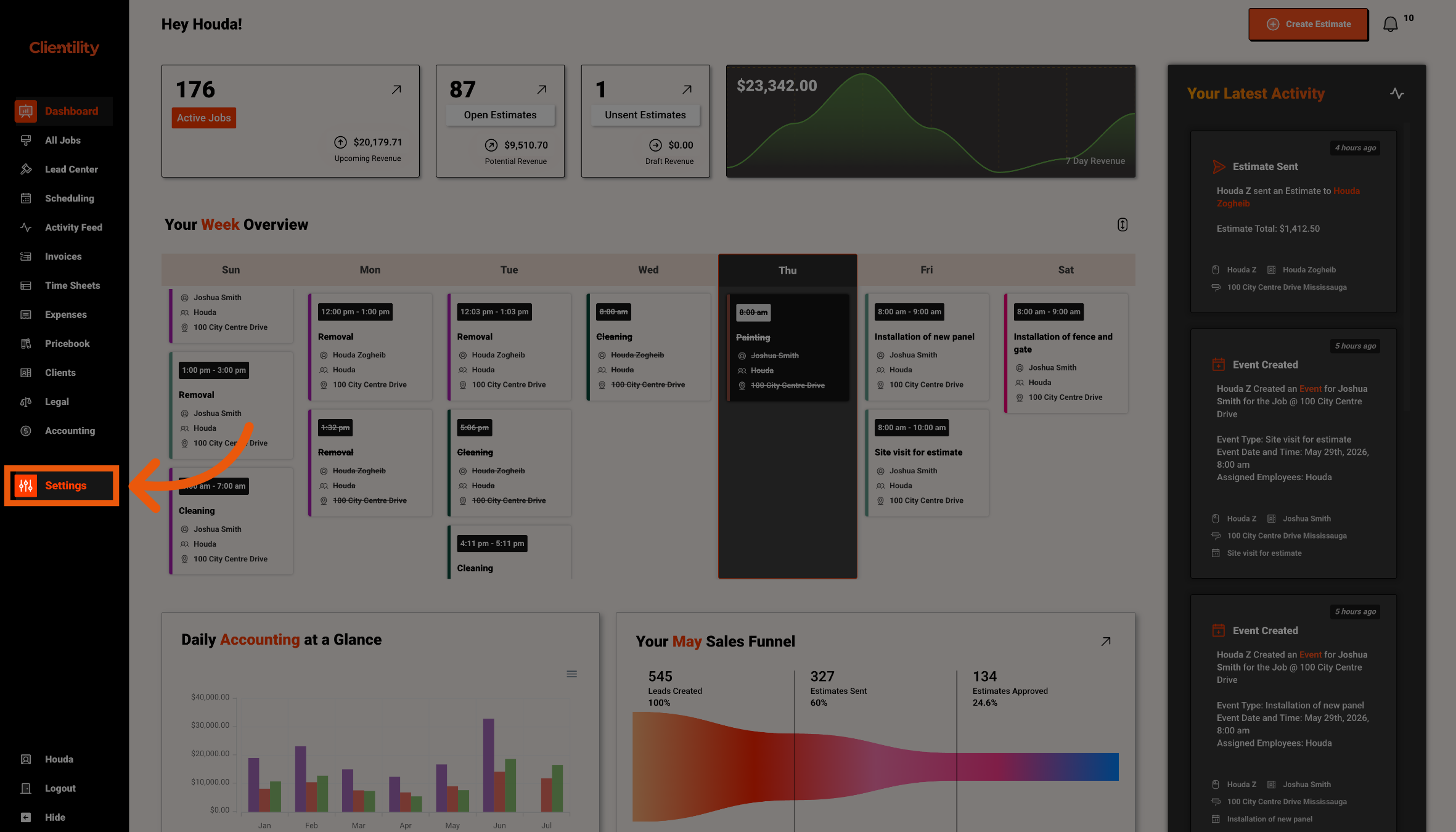
Click Settings from the main sidebar to access your account configuration options.
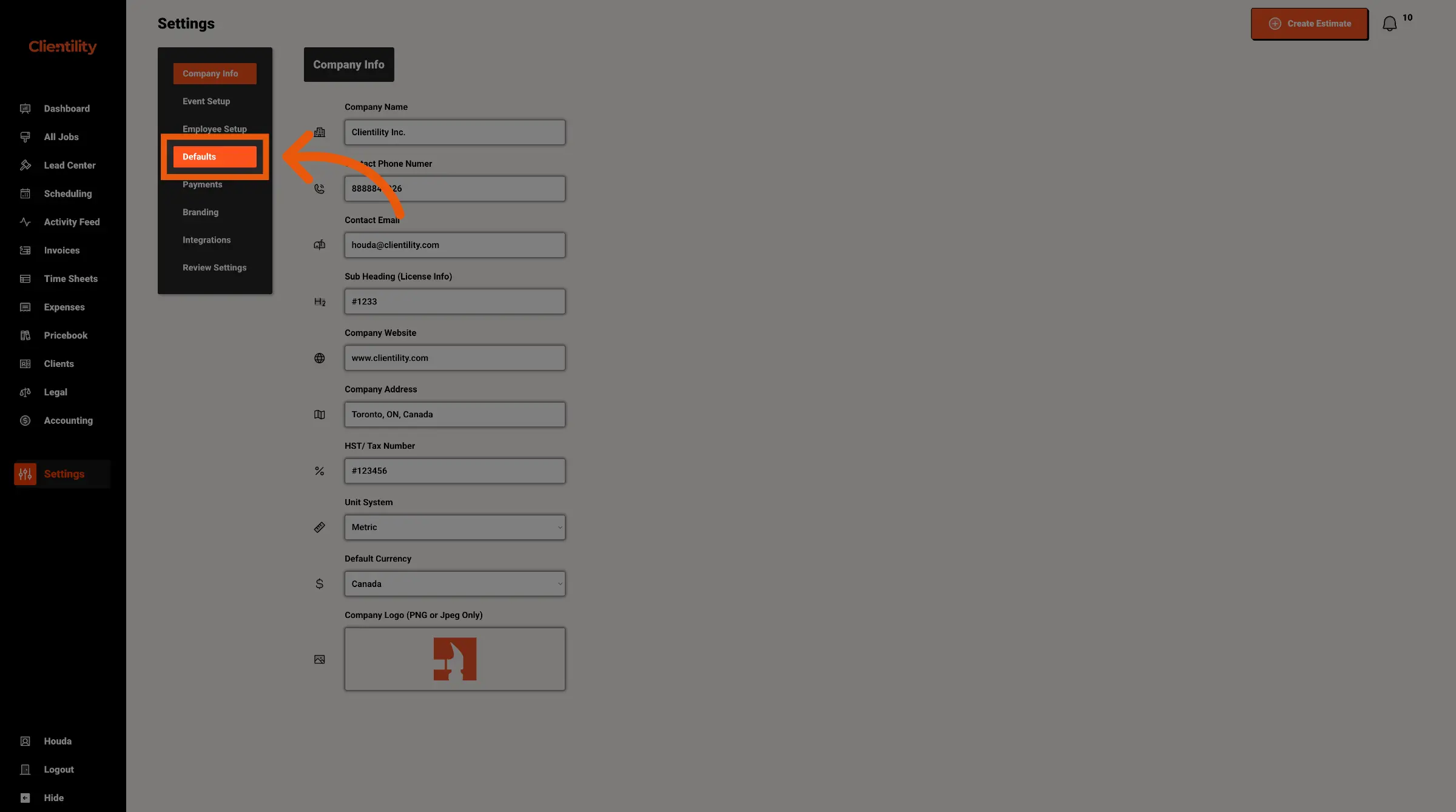
Click Defaults to access your default configuration settings.
This section is where you can manage preset values used across your account.
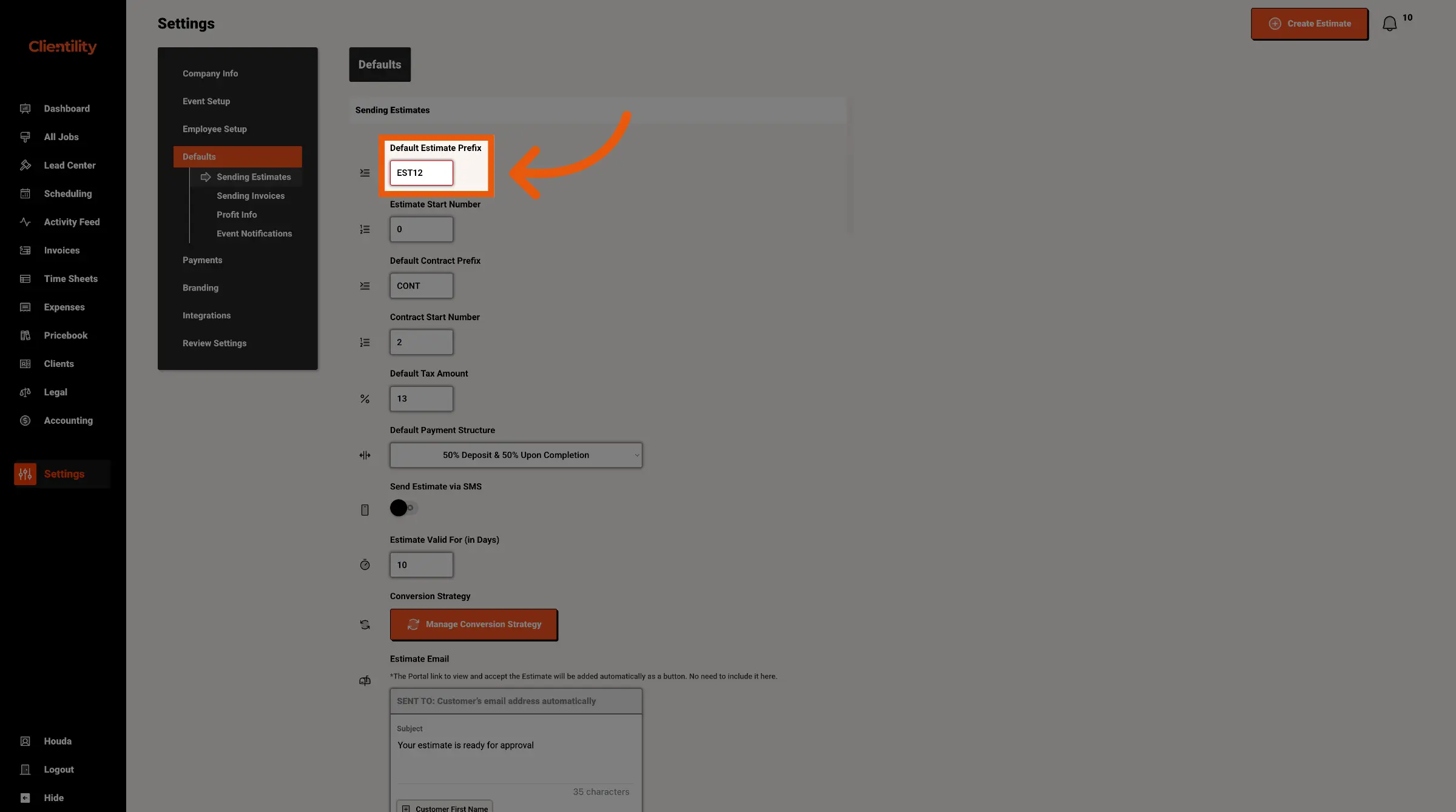
Enter the estimate prefix you want to use going forward.
For example, if you enter EST, your estimates can be labelled with that prefix before the estimate number.