Menu
Clientility allows you to set a default payment structure for your account. This helps save time when you usually collect payments the same way for most projects.


Click Settings from the main sidebar to access your account configuration options.
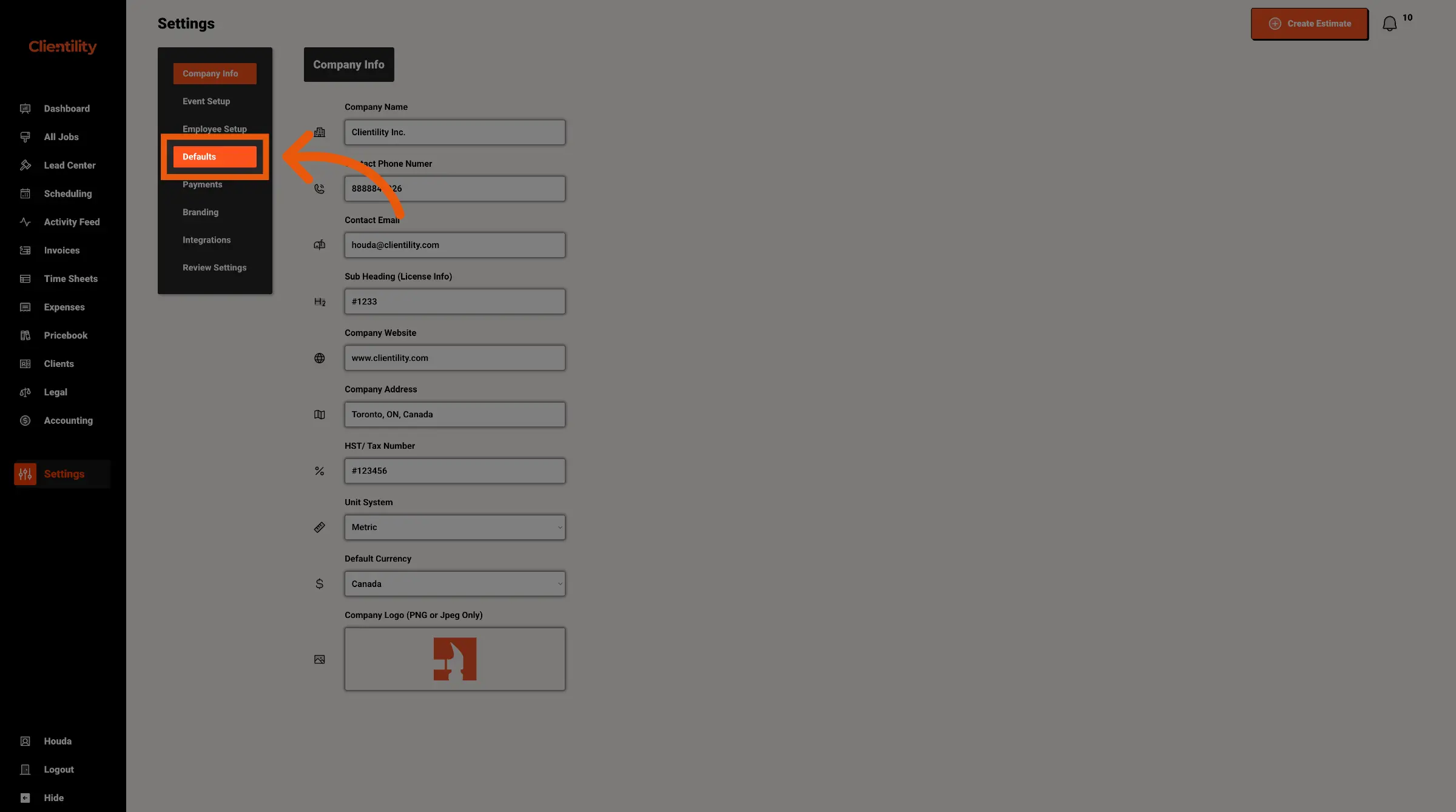
Click Defaults to access your default configuration settings.
This section is where you can manage preset values used across your account.
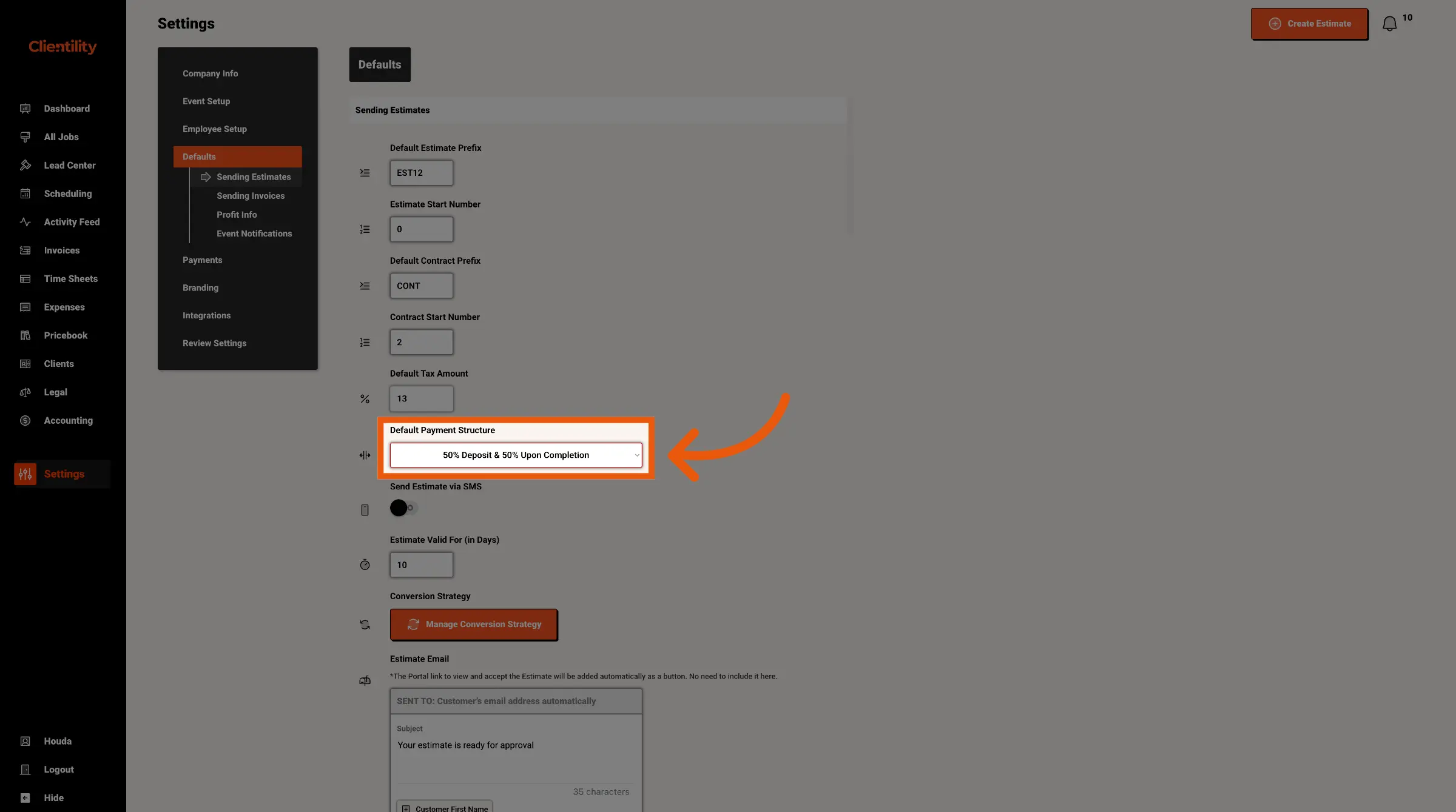
Select the payment structure that best matches how your business usually collects payments.
Depending on your setup, this may include options such as a Single Payment (before or after job completion), Deposit and Remaining Balance, or a Milestone Payment Structure.