Menu
This guide explains how to change your Default Tax Amount in Clientility. The default tax amount is used to help automatically apply your standard tax rate when creating new estimates, invoices, and other billable items.


Click Settings from the main sidebar to access your account configuration options.
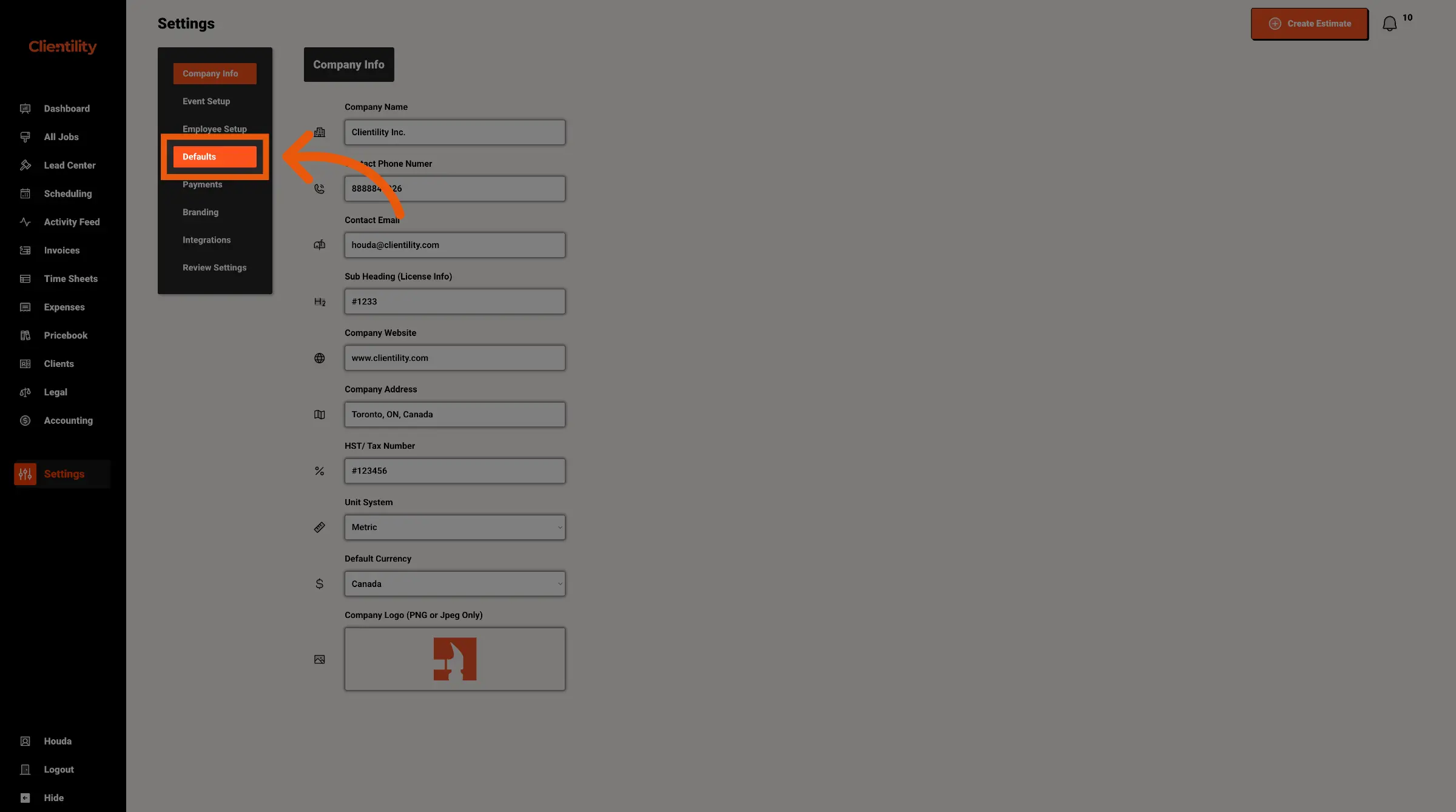
Click Defaults to access your default configuration settings.
This section is where you can manage preset values used across your account.
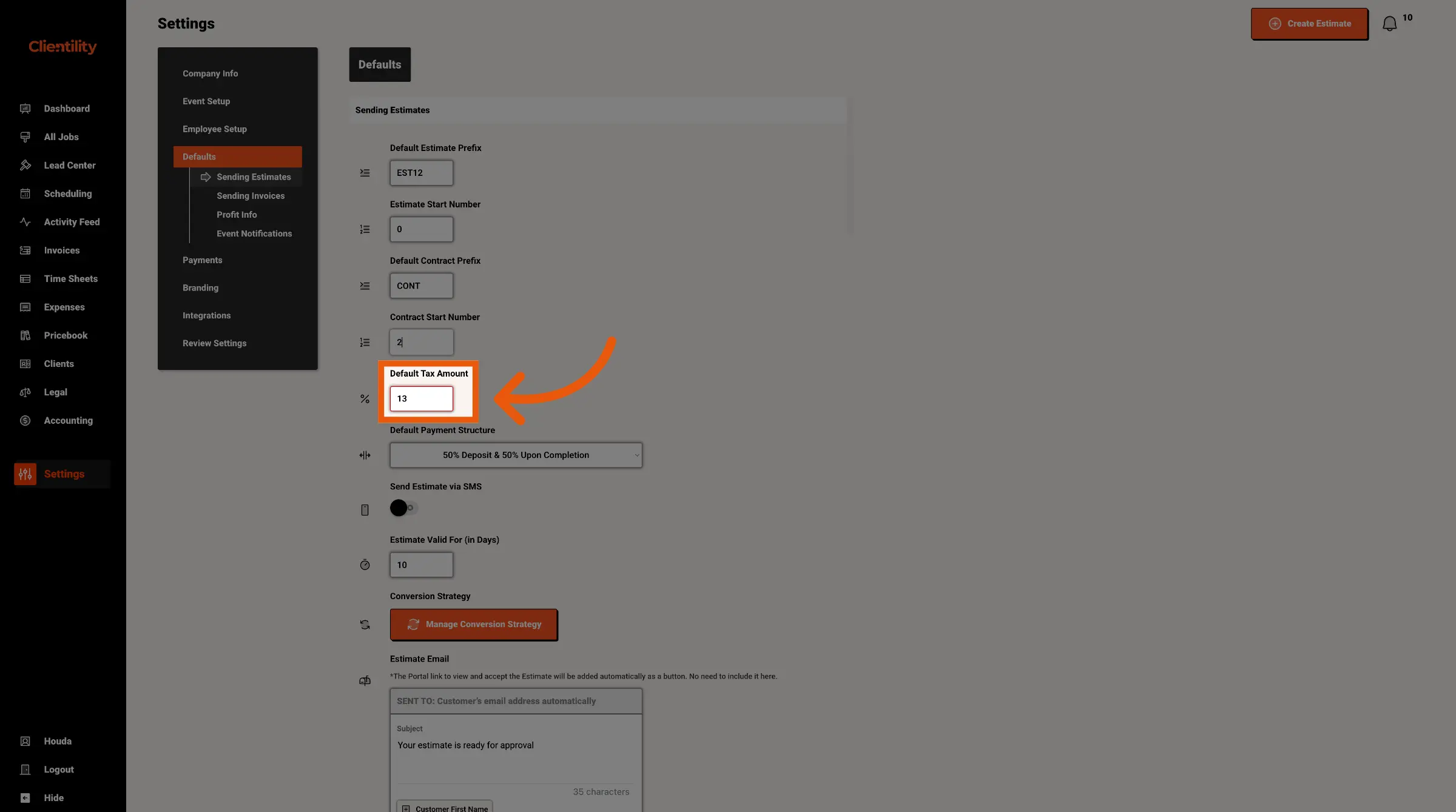
Enter the tax amount you want to use by default.
For example, if your tax rate is 13%, enter 13 or the required percentage format shown in your account.