Menu
Clientility allows you to set the starting number for your estimates. This is helpful if you want your estimate numbers to continue from your existing records or start from a specific number.

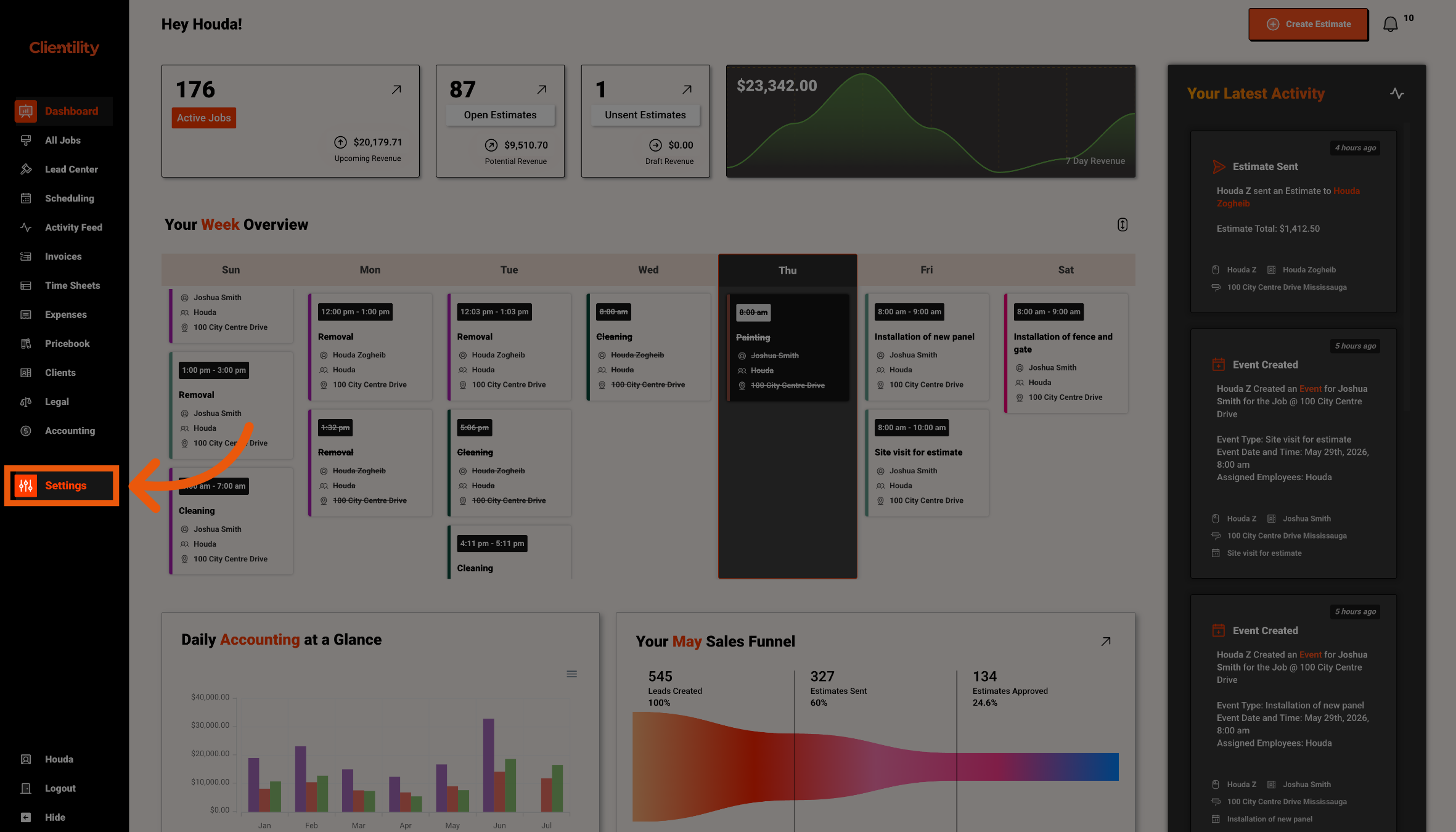
Click Settings from the main sidebar to access your account configuration options.
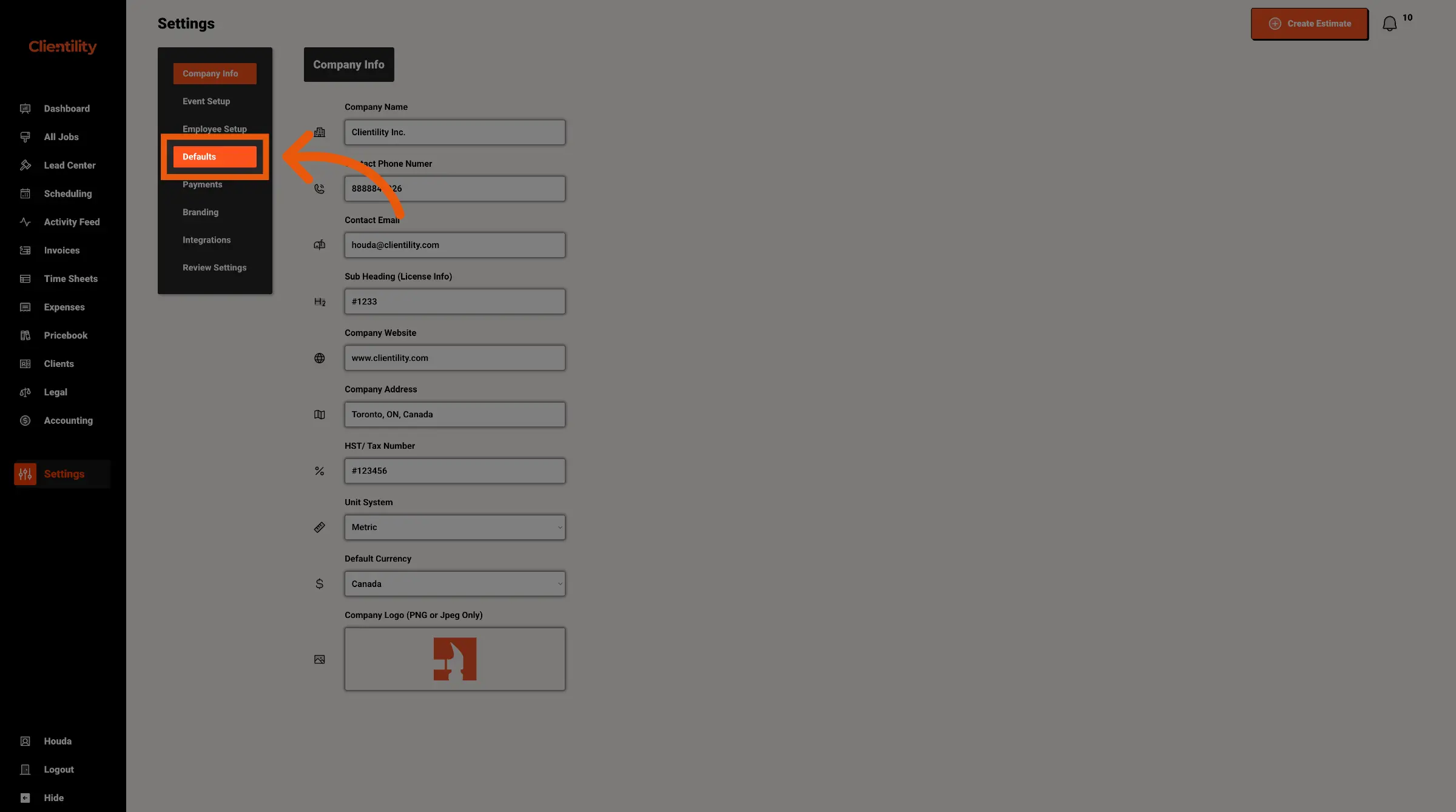
Click Defaults to access your default configuration settings.
This section is where you can manage preset values used across your account.
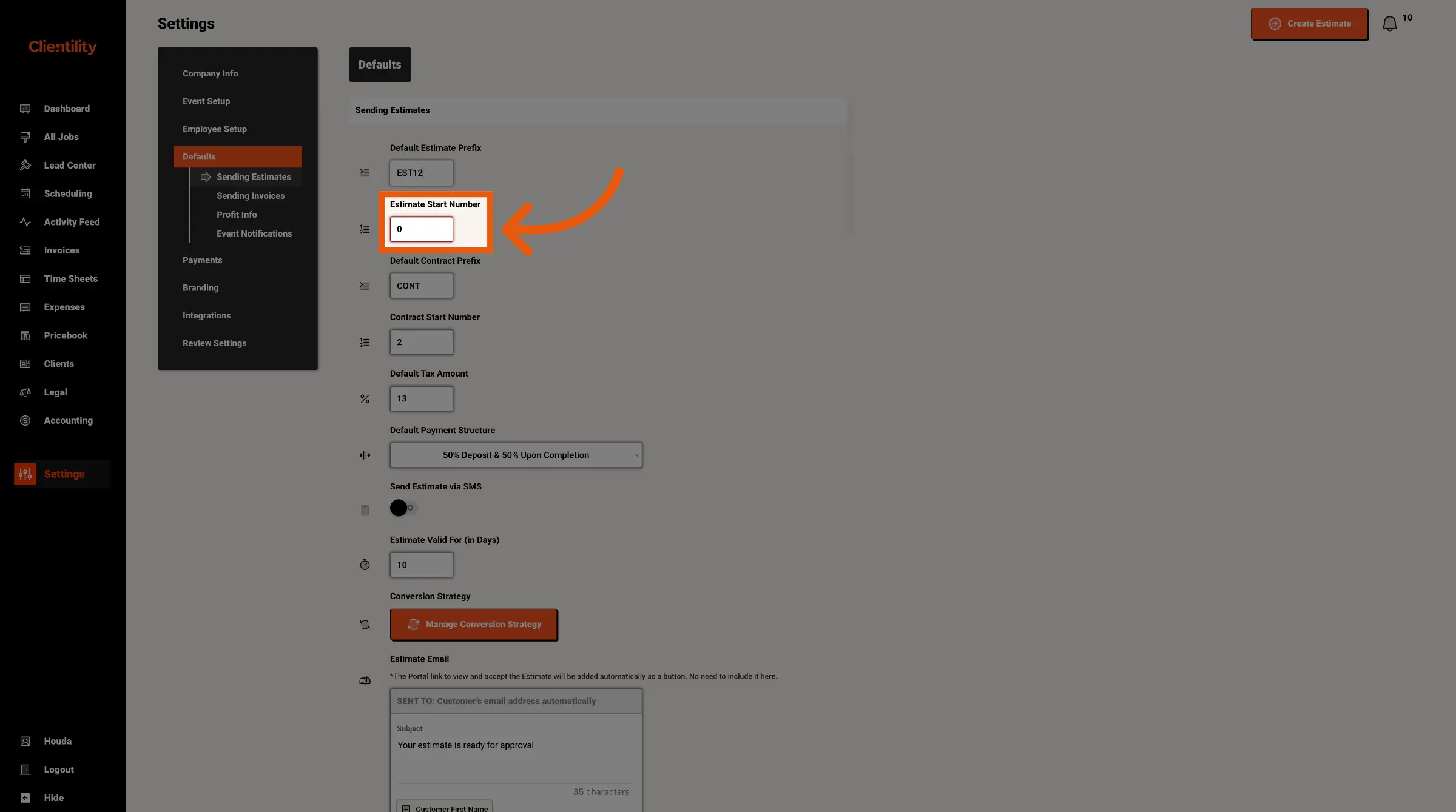
Enter the number you want your estimates to start from.
For example, entering 1000 means your estimate numbering can begin from that number for new estimates going forward.