Menu
Clientility allows you to set the starting number for your invoices. This is helpful if you want your invoice numbers to continue from your existing records or start from a specific number.

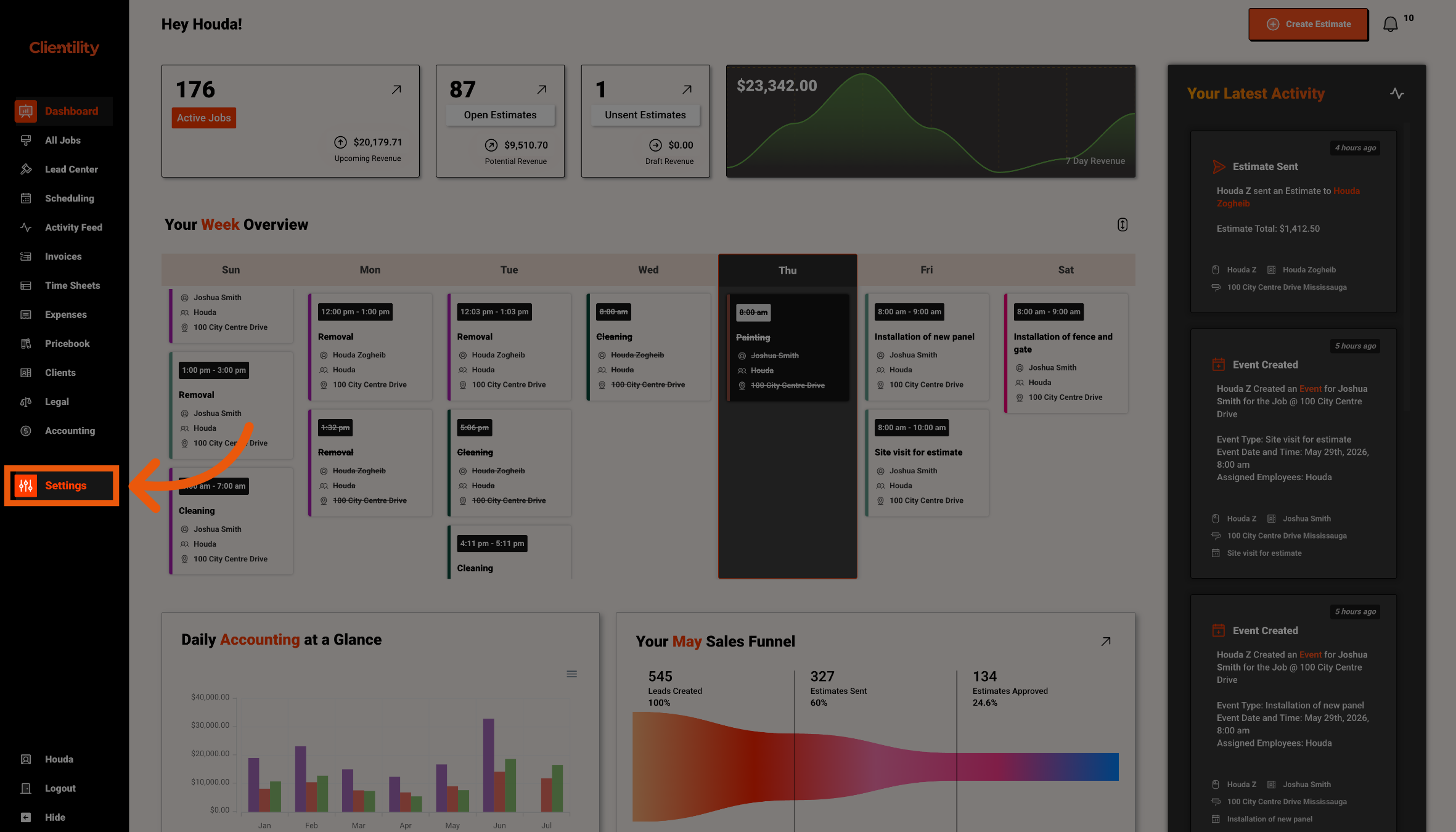
Click Settings from the main sidebar to access your account configuration options.
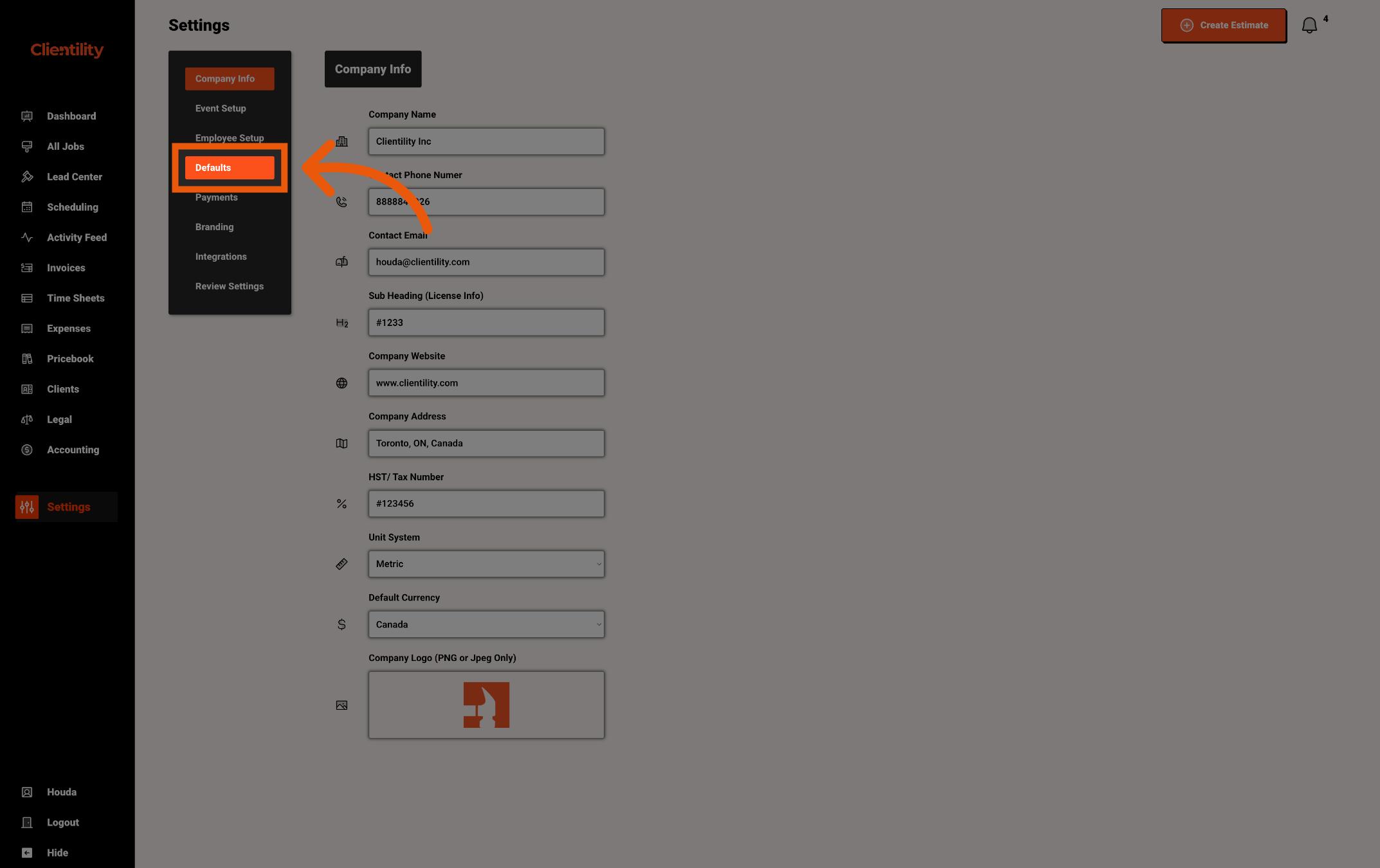
Click Defaults to access your default configuration settings.
This section is where you can manage preset values used across your account.
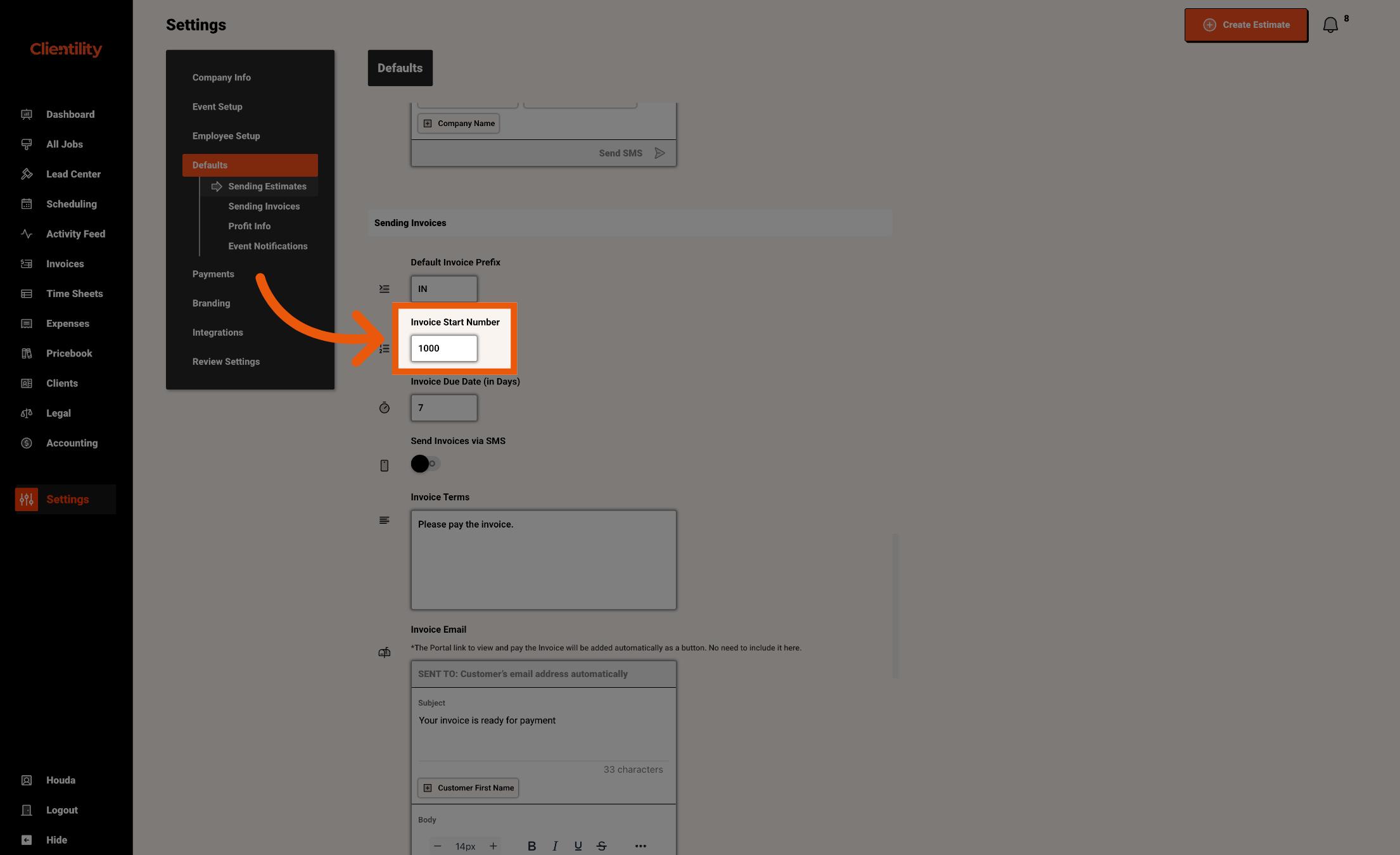
Enter the number you want your invoices to start from.
For example, entering 1000 means your invoice numbering can begin from that number for new invoices going forward.